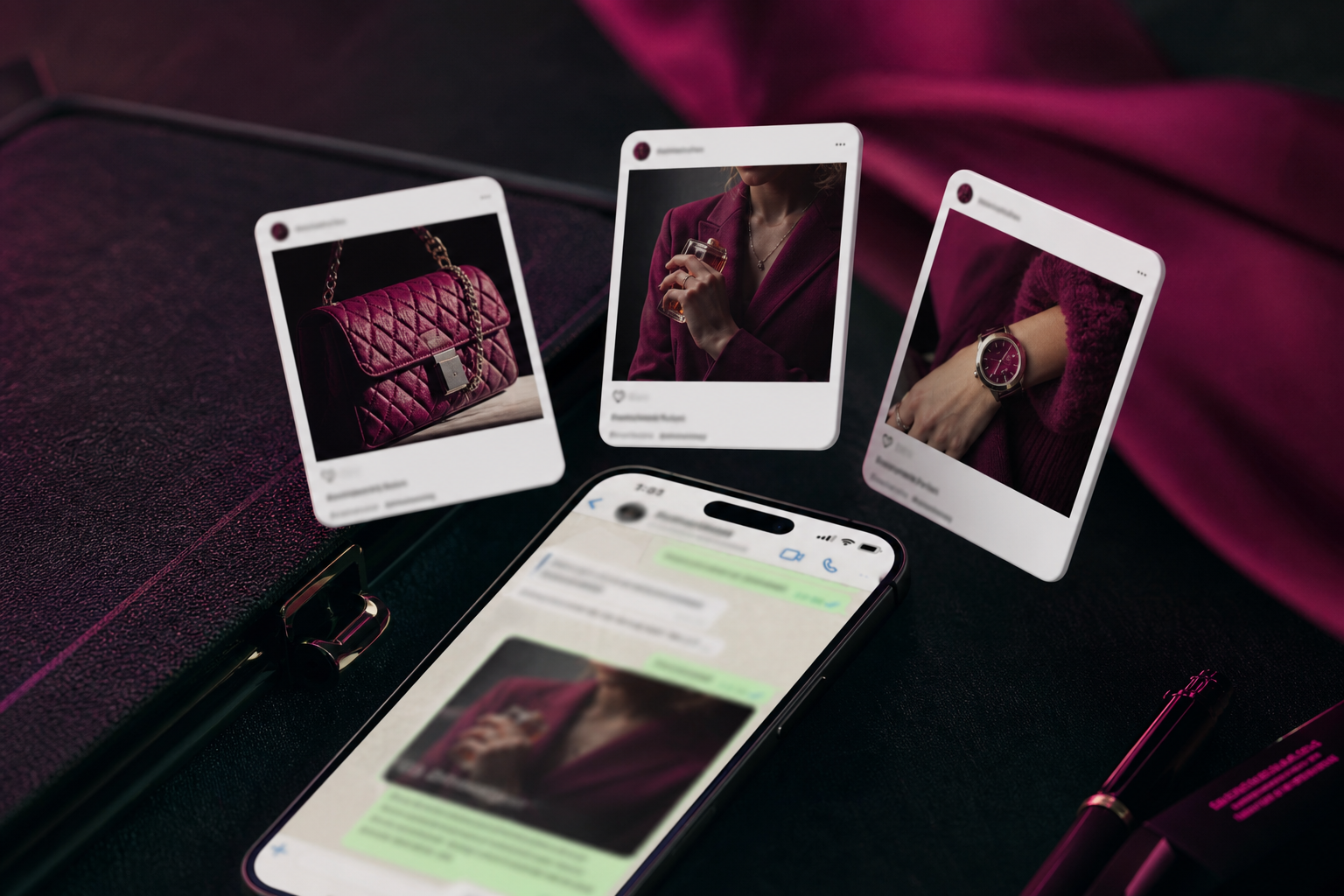
How do I create ads that click to Instagram chats?
Meta’s Ads Manager flow for ads that click to Instagram Direct. Those DMs can land in the Ominiflow team inbox — agents or an AI agent reply — while payment, COD, and OTP stay on WhatsApp. In Ads Manager choose Traffic, Engagement, Leads, or Sales, set conversion location to messaging apps and destination to Instagram, connect a professional Instagram account, and add a Send message CTA plus a greeting or FAQ template.
Last updated: 2 October 2026
Ads that click to Instagram Direct open a chat in Instagram, not WhatsApp and not Messenger. Meta’s Help Center article How to create ads that click to Instagram chats in Ads Manager is the official setup: pick Traffic, Engagement, Leads, or Sales; set conversion location to messaging apps; destination Instagram; connect a professional Instagram account; add a greeting / FAQ message template.
Those Direct threads can land in the Ominiflow team inbox when the professional account is connected — agents reply, or an AI agent replies and hands off. Many D2C brands still discover on Instagram and close on WhatsApp. Use the IG click-to-chat flow for the discovery chat. Keep OTP, COD, and payment on the official WhatsApp number. Overview: Instagram messaging API.
Primary: Create ads that click to Instagram Direct in Ads Manager. Destinations overview: Ads that click to message. WhatsApp sibling: Click-to-WhatsApp best practices. Marketing API: Ads that click to Instagram.
IG Direct
clicks open Instagram messages — placements are Instagram-led
4 objectives
Traffic, Engagement, Leads, or Sales in Ads Manager
Handoff
move payment, COD, and tracking to WhatsApp Cloud API
Too long? Start here
- Need: Instagram professional account linked to a Facebook Page / Business Portfolio
- Ads Manager: objective → messaging apps → destination Instagram (not Messenger, not WhatsApp)
- CTA is Send message. Build a greeting + FAQ template so the first tap is not a blank thread
- India close: Instagram for lookbooks and DMs; WhatsApp for pay, COD, shipping. Do not run OTP on IG
- Ominiflow runs the WhatsApp half — start free
Official Ads Manager steps
Condensed from Meta’s help article. UI labels move; if Instagram is missing as a destination, the professional account is not linked correctly.
- Create or convert an Instagram professional account
- If you have no Page, create a business portfolio and add Instagram to it
- Ads Manager → Create → Traffic, Engagement, Leads, or Sales
- Conversion location: Messaging apps. Messaging destination: Instagram
- Connect the Instagram account and the Page. Set budget, audience, placements (Advantage+ is fine; clicks still open IG Direct)
- Ad creative: image, video, or carousel. Primary text short. CTA: Send message
- Message template: greeting (you can use the username token) + FAQ buttons. Save, publish, wait for review
If the ad account is restricted, this flow never delivers — advertising restrictions. Failed charges pause delivery: failed payment.
Instagram chat vs Click-to-WhatsApp
| Click to Instagram | Click to WhatsApp | |
|---|---|---|
| Where the chat lives | Instagram Direct | |
| Typical job | Discovery, styling, “is this real?” | Quote, pay, COD, OTP, tracking |
| Team inbox on Ominiflow | Yes — DMs, comments, and agent replies | Yes — Cloud API shared inbox |
| Utility templates | Not WhatsApp Utility | Order / shipping / auth templates |
| When we recommend it | IG-native brands, visual SKUs | India/SEA operations and most CTWA spend |
Meta also lets some click-to-message campaigns offer multiple destinations so people land where they already chat. If you enable both, someone must own the IG inbox. Connect the professional account and those DMs show in Ominiflow next to WhatsApp — Instagram inbox.
The handoff that does not lose the lead
Script it in the IG greeting: “Want the payment link and delivery updates? WhatsApp us on [display name / number] and send this order code.” Deep-link or QR if you have them. On the WhatsApp side, the same code is a keyword that starts the catalog / pay-link flow.
- Tag the contact in Ominiflow as source = Instagram ads
- Do not copy-paste the whole IG thread into a personal WhatsApp. That is how numbers get banned — ban guide
- Asia destination choice: business messaging in Asia. Lead-form alternative: lead generation ads
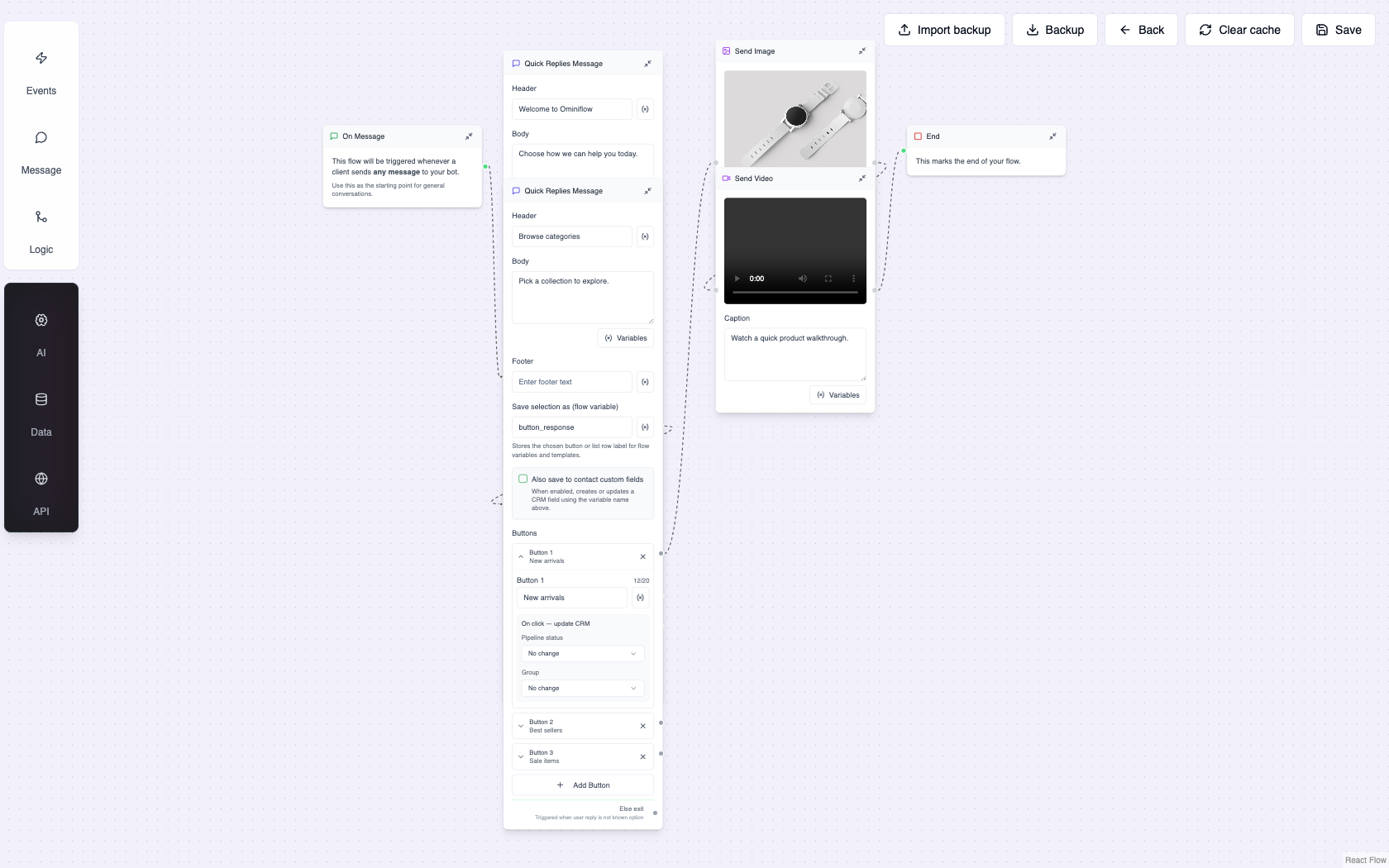
Click-to-WhatsApp · Online sales · Book a demo
FAQ
How do I create ads that click to Instagram chats? expand_more
In Ads Manager choose Traffic, Engagement, Leads, or Sales, set conversion location to messaging apps and destination to Instagram, connect a professional Instagram account, and add a Send message CTA plus a greeting/FAQ template. Meta’s help article is the source of truth for the current UI.
Why don’t I see Instagram as a messaging destination? expand_more
The Instagram professional account is usually not linked to the Page or business portfolio. Link it, then recreate the ad set.
Can Ominiflow manage Instagram DMs from these ads? expand_more
Yes. Connect the professional Instagram account and the Direct thread from the ad opens in the team inbox. Agents or an AI agent reply there. Hand high-intent buyers to your WhatsApp API number for pay, COD, and OTP.
Should I use Instagram or WhatsApp click-to-chat in India? expand_more
Use Instagram if your buyers already DM the shop on IG. Use WhatsApp for operations — OTP, COD, shipping — and for most performance spend. Many brands run IG for discovery and WhatsApp for close.
Are click-to-Instagram ads the same as Click-to-WhatsApp? expand_more
No. Different destination, different inbox, different utility stack. Both are click-to-message ads under Meta’s advertising policies. Published 2 September 2026. Updated 2 October 2026: Instagram DMs from these ads can be answered in the Ominiflow team inbox. Setup summarised from Meta Business Help Center. Ads Manager labels change.


