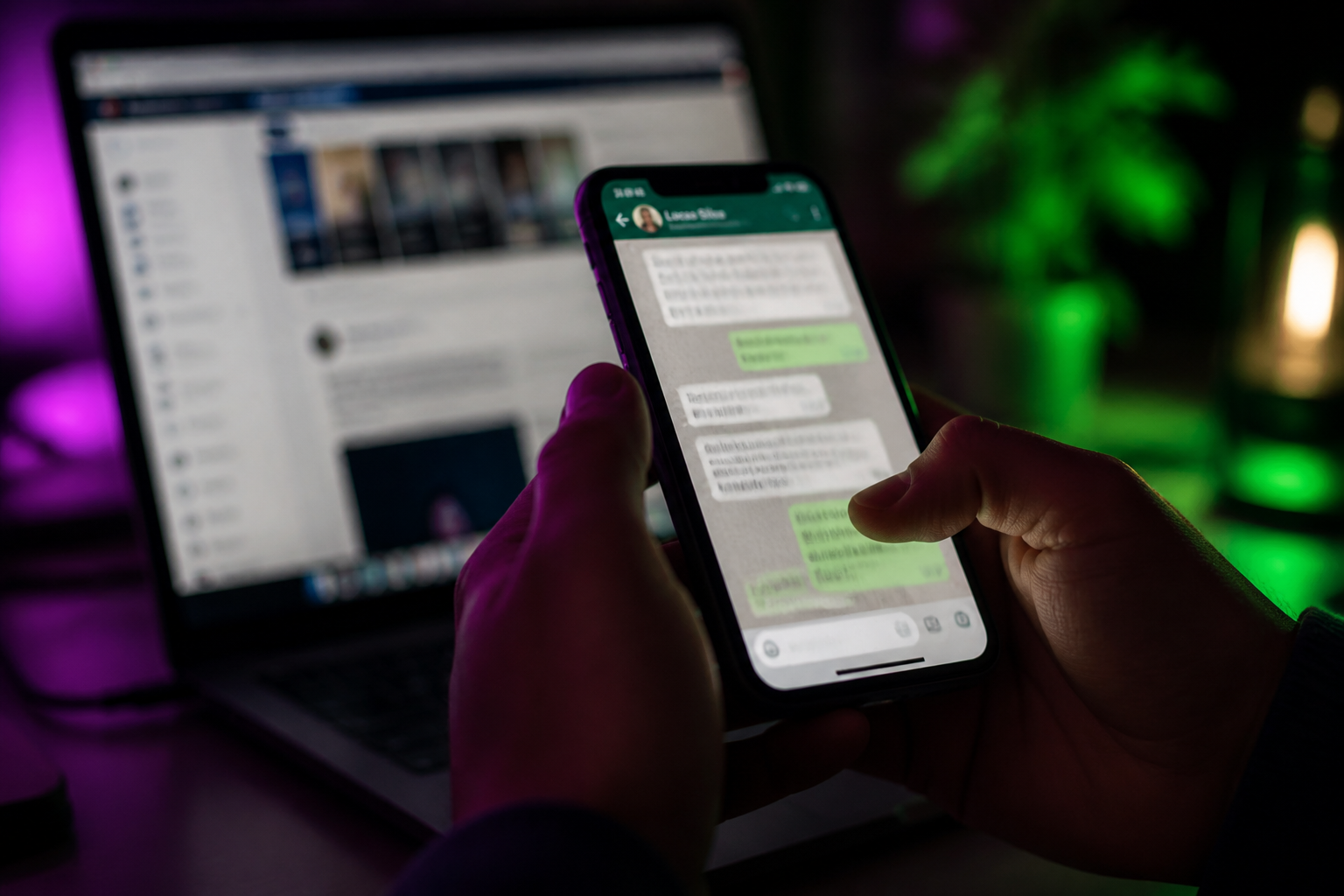
What are Facebook lead generation ads?
Meta’s Leads objective can fill Instant Forms or open a WhatsApp chat. Forms win on volume; Click-to-WhatsApp wins when a conversation qualifies the buyer. Here is when to use each — and how to land WhatsApp leads on Ominiflow Cloud API. Campaigns using Meta’s Leads objective to capture intent on Facebook and Instagram — typically Instant Forms, or a messaging destination such as WhatsApp, Messenger, or Instagram chat.
Last updated: 2 September 2026
Meta’s lead-generation ads exist to capture intent without a website form marathon. The official lead generation ads objective is built for that: Instant Forms, CRM sync, and — when you choose a messaging destination — a WhatsApp (or Messenger / Instagram) chat instead of a form.
This recap keeps Meta’s Leads objective intact, then answers the operator question Indian teams actually have: Instant Form or Click-to-WhatsApp? Forms scale cheap names. Chats qualify. On Ominiflow the WhatsApp path lands on official Cloud API — bot, inbox, CRM — not a founder’s personal phone.
Primary: Facebook lead generation ads. Messaging destination setup: Meta Ads Manager (Leads / Engagement / Sales / Traffic with WhatsApp). Creative and opt-in: CTWA best practices. Developer objectives: Ads that click to WhatsApp.
Forms
Instant Forms — volume, pre-filled fields, CRM dump
Chat
Click-to-WhatsApp — qualify in-thread, 72-hour service window
Leads
campaign objective that can optimise for conversations when WhatsApp is the destination
Too long? Start here
- Instant Forms when you need gated content, webinar signups, or a big list for later nurture
- Click-to-WhatsApp when the next step is a conversation — demo, site visit, SKU question, COD confirm
- An ad click is not ongoing Marketing opt-in. Ask in the first replies if you will broadcast later
- Staff the chat. A lead ad that opens WhatsApp at 11pm with silence is wasted media spend
- On Ominiflow: qualifier bot → CRM fields → human handoff → tag the campaign — start free
What Meta’s Leads objective is for
The lead-generation product page is Meta’s pitch for capturing contact details on Facebook and Instagram: people stay in-app, fields can pre-fill from their profile, and you send the lead to a CRM. That still works. It is the right tool for “download the brochure” and “register for the webinar.”
When you set conversion location to messaging apps and destination to WhatsApp, the same Leads (or Engagement / Sales / Traffic) family becomes a Click-to-WhatsApp campaign. Meta’s Marketing API documents OUTCOME_LEADS with optimisation goal CONVERSATIONS for that path. You are no longer collecting a row in a CSV. You are buying a chat.
| Instant Forms | Click-to-WhatsApp | |
|---|---|---|
| What you get | Name, phone, email, custom questions | An open WhatsApp thread |
| Speed to first reply | Whenever sales dials the CSV | Seconds, if a bot or agent is on |
| Lead quality | Often inflated — easy tap, fake numbers | Higher intent; people who will not chat bounce |
| CRM | Native lead ads integrations | Cloud API + Zoho/HubSpot/Shopify on Ominiflow |
| Best for | Top-of-funnel volume | High-intent consults, D2C questions, education counselling |
Use both. Form for the ebook. WhatsApp for “talk to admissions” and “is this in stock.” Product landing: Click-to-WhatsApp ads.
How to run the WhatsApp lead path
- Ads Manager → Create → Leads (or Engagement with conversations). Conversion location: messaging apps. Destination: WhatsApp
- Connect the Cloud API number you will keep for OTP and orders — not a disposable Business-app phone
- Write the pre-filled first message so it matches the ad (“I want the Diwali kit quote”)
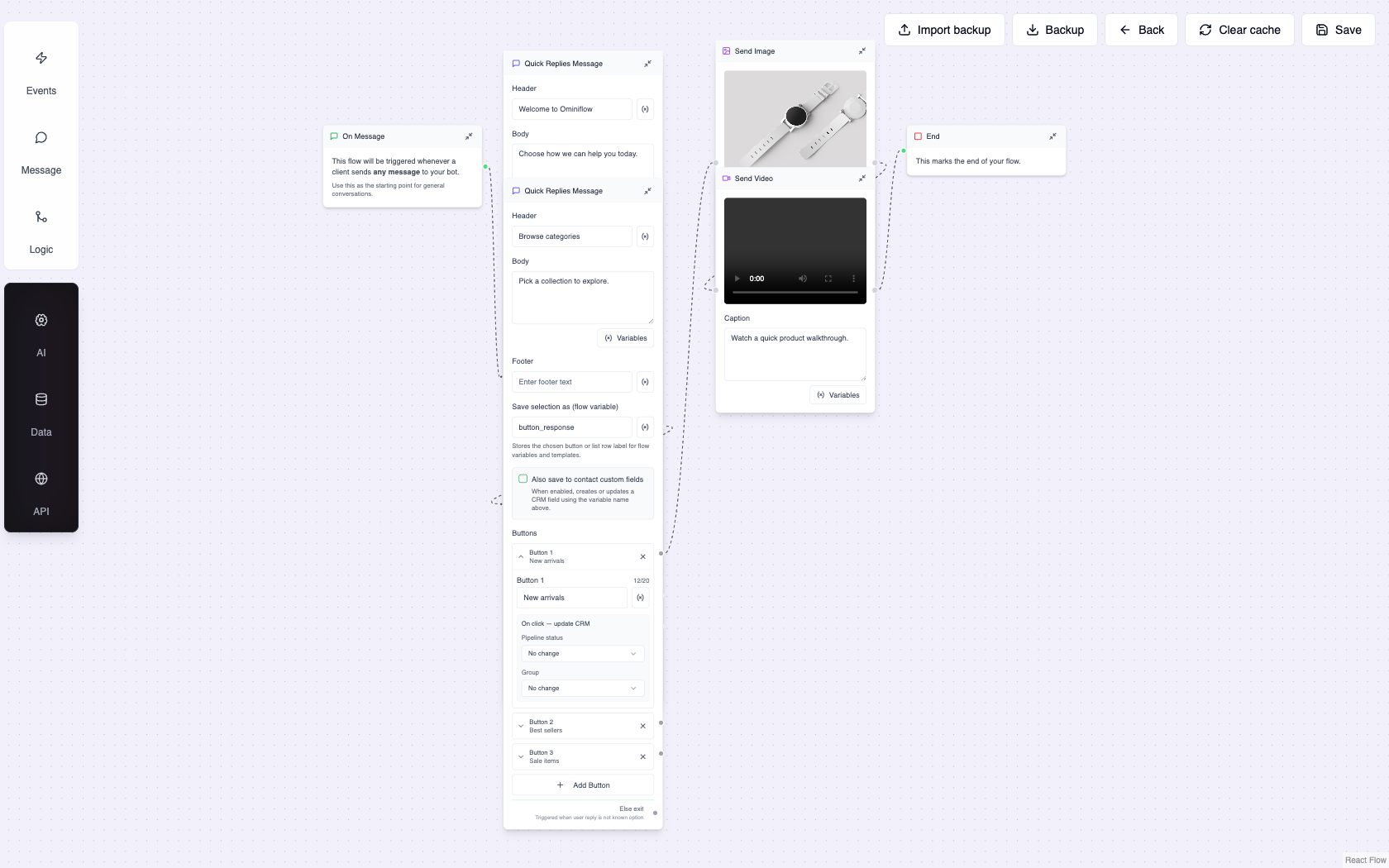
- In Ominiflow: greeting + 2–3 qualifier questions + talk-to-human. Capture name, city, budget as WhatsApp Flow or list message
- Push the qualified contact to CRM. Instant Forms already do this; chats need the integration — CRM without developers
- Ask Marketing opt-in before you add them to a broadcast list. The 72-hour window is for this conversation, not a licence to promo forever
What breaks lead ads into WhatsApp
No night coverage
Leads objective finds people who are scrolling at midnight. A bot must greet. Humans take over in business hours.
Form brain, chat budget
You optimise for conversations, then dump every chat into a spreadsheet like Instant Forms. Qualify in-thread or you paid for noise.
Wrong number
CTWA hits a personal WhatsApp. Cloud API holds Shopify. Context splits. Land ads on the API number from day one.
Ad account restricted
Leads stop at the source. Fix advertising restrictions and billing before you rewrite the bot.
Sales vs leads as the next step
Once chats convert, Meta wants you to optimise for purchases, not conversation count. That is the sibling goal page: increase online sales. Asia-first messaging: business messaging in Asia.
Sales · Sales teams guide · Book a demo
FAQ
What are Facebook lead generation ads? expand_more
Campaigns using Meta’s Leads objective to capture intent on Facebook and Instagram — typically Instant Forms, or a messaging destination such as WhatsApp, Messenger, or Instagram chat.
Are Instant Forms better than Click-to-WhatsApp? expand_more
Forms win on cheap volume. Click-to-WhatsApp wins when you need a live qualifier. Many teams run forms for content and WhatsApp for high-intent offers.
Does a WhatsApp ad click count as marketing opt-in? expand_more
No. It opens a user-initiated conversation window. Promotional templates after that window need a separate, documented opt-in.
Which Ads Manager objective should I pick for WhatsApp leads? expand_more
Leads with WhatsApp as the destination (conversations optimisation) is the literal match. Engagement, Traffic, and Sales can also click to WhatsApp. Avoid Reach if you care about qualified chats.
How do I run Facebook lead ads into Ominiflow? expand_more
Connect Cloud API, point the ad at that number, greet with a qualifier flow, sync to CRM, and staff the shared inbox. Meta conversation fees pass at cost. Published 2 September 2026. Recap of Meta’s lead generation ads product plus WhatsApp destination behaviour. Ads Manager UI labels change; confirm in your account.


