What are ads that click to WhatsApp?
More than 175 million people message a WhatsApp Business account every day. Meta’s Click-to-WhatsApp ads put a chat button on Facebook and Instagram. Here is that getting-started guide, the creative and opt-in rules from Meta’s sibling pages, and how to land those clicks on Cloud API with Ominiflow. They are Meta ads on Facebook and Instagram with a call-to-action that opens a WhatsApp chat with the business. WhatsApp for Business cites more than 175 million people messaging a WhatsApp Business account daily (internal data).
Last updated: 30 August 2026
More than 175 million people around the world send a message to a WhatsApp Business account every day (Meta internal data). Click-to-WhatsApp ads exist to put your business in that stream: a call-to-action on Facebook or Instagram that opens a chat instead of a landing-page form.
WhatsApp for Business’s resource page is a small-business getting-started guide — what the format is, why it grows a shop, download the Business app. This recap keeps that intact, then pulls the actual best-practice list from Meta’s sibling pages (creative, boundaries, deliver what the ad promised, opt-in, down-funnel optimization) and maps the click to official Cloud API on Ominiflow. Product landing: Click-to-WhatsApp ads. Paid Status placement: Ads in Status.
Primary: Help grow your small business with ads that click to WhatsApp. Creative/policy: How to create successful Click-to-WhatsApp ads. Nurture and opt-in: A quick guide to ads that click to WhatsApp. Objectives: Optimizing ads for leads vs purchases. 175 million figure is Meta internal data on the primary page.
175M+
people message a WhatsApp Business account daily (Meta internal data)
FB + IG
where Click-to-WhatsApp ads appear — plus Status in the Updates tab
72h
free-form window after an ad click — then Marketing needs opt-in
Too long? Start here
- Click-to-WhatsApp is an ad with a button that starts a WhatsApp chat — not a form, not a website (unless you choose website as the destination on Status ads)
- Meta’s growth pitch: reach likely customers, close in 1:1 chat (recommendations, deals, guided support), then service that encourages a repeat buy
- Best practices: authentic creative, deliver the promise in the first replies, respect boundaries (no spam after the click), ask for Marketing opt-in clearly
- Optimize for the outcome: leads vs purchases in Ads Manager — not “conversations” vanity
- On Ominiflow: CTWA → qualifier bot → shared inbox → 72-hour window. Night clicks still need a bot or you never earn FEP (reply-within-24h rule) · free entry point explained · start free
What Click-to-WhatsApp ads are
Meta’s definition is short: an ad format with a call-to-action that drives the person to start a chat with your business on WhatsApp. Ads can show on Facebook and Instagram so you meet people where they already scroll. The getting-started page is aimed at the WhatsApp Business app. The format is the same if the destination number is Cloud API — only the inbox changes.
Reach new customers — put the ad in front of people most likely to care, then let the tap be the opt-in to a conversation
Drive sales in 1:1 — tailored recommendations, exclusive deals, guided support to close. That only works if someone (or a bot that can see the catalog) actually replies
Service that gets a repeat — discovery to purchase in one thread. After the sale, that thread should still send order-status utility, not go dark
Best practices that keep ads live and chats useful
The “best practices” URL is thin on tactics. Meta’s successful ads page is the policy list. The quick guide is the post-click list. Use both.
Be authentic and use high-quality creative
Show what you actually sell. Clear imagery, readable type, an obvious next step (chat, catalog, lead form). Misleading creative gets flagged; Meta’s page also covers requesting another review in Account Quality if you think a rejection was wrong.
Deliver what the ad promised — immediately
If the ad offered a code, send the code. If it offered product answers, do not park them on a bot that cannot see SKUs. Pair with an agent or a catalog-grounded bot. A Consideration ad to people who already visited you is a different first message than a cold Awareness ad. One greeting for every click is how you train people to bounce.
Respect boundaries after the click
The chat is not a licence to spam. No unsolicited follow-up outside the window. For Marketing after 72 hours, WhatsApp requires a clear opt-in: your business name, what message types they will get (discounts, launches), optionally an incentive. Silence is not consent.
Listen and adjust
Review which ads produce chats that buy vs chats that block. Kill creatives that start conversations and then get muted. Quality rating still applies on Cloud API — rating guide.

Optimize for leads or purchases, not “more chats”
Meta’s down-funnel page names two Click-to-WhatsApp optimizations: leads (people likely to share contact details) and purchases (people likely to buy). In Ads Manager: Sales or Engagement (manual setup) for purchase optimization; Leads objective for lead optimization; conversion location = messaging, destination = WhatsApp. Conversations started is a diagnostic, not the north star. On Ominiflow, tag the campaign and score qualified lead or order — that is what you feed back into the ad account.
Business app vs Cloud API
The getting-started page ends on download the WhatsApp Business app. Fine for a solo inbox. Click-to-WhatsApp ads do not care which inbox you use; they care that someone answers. Two agents, Shopify lookup, or night-time volume: route the same ads to Cloud API. Holiday combo Meta itself recommends (greeting, quick replies, Agent where live): 5 holiday tips.
| Business app | Ominiflow Cloud API | |
|---|---|---|
| Who it fits | Solo / one phone | Team inbox, festive volume, store catalog |
| First reply | Greeting, away, Agent (limited markets) | 24/7 qualifier bot + talk-to-human |
| After 72 hours | Easy to miss opt-in | Documented Marketing opt-in, then templates |
| Measurement | Ads Manager + phone | Campaign labels, CRM, purchase events |
Festive lead-gen is play 01 in the seven strategies. Status ads that click to chat are the same family: Ads in Status.
How this maps to Ominiflow
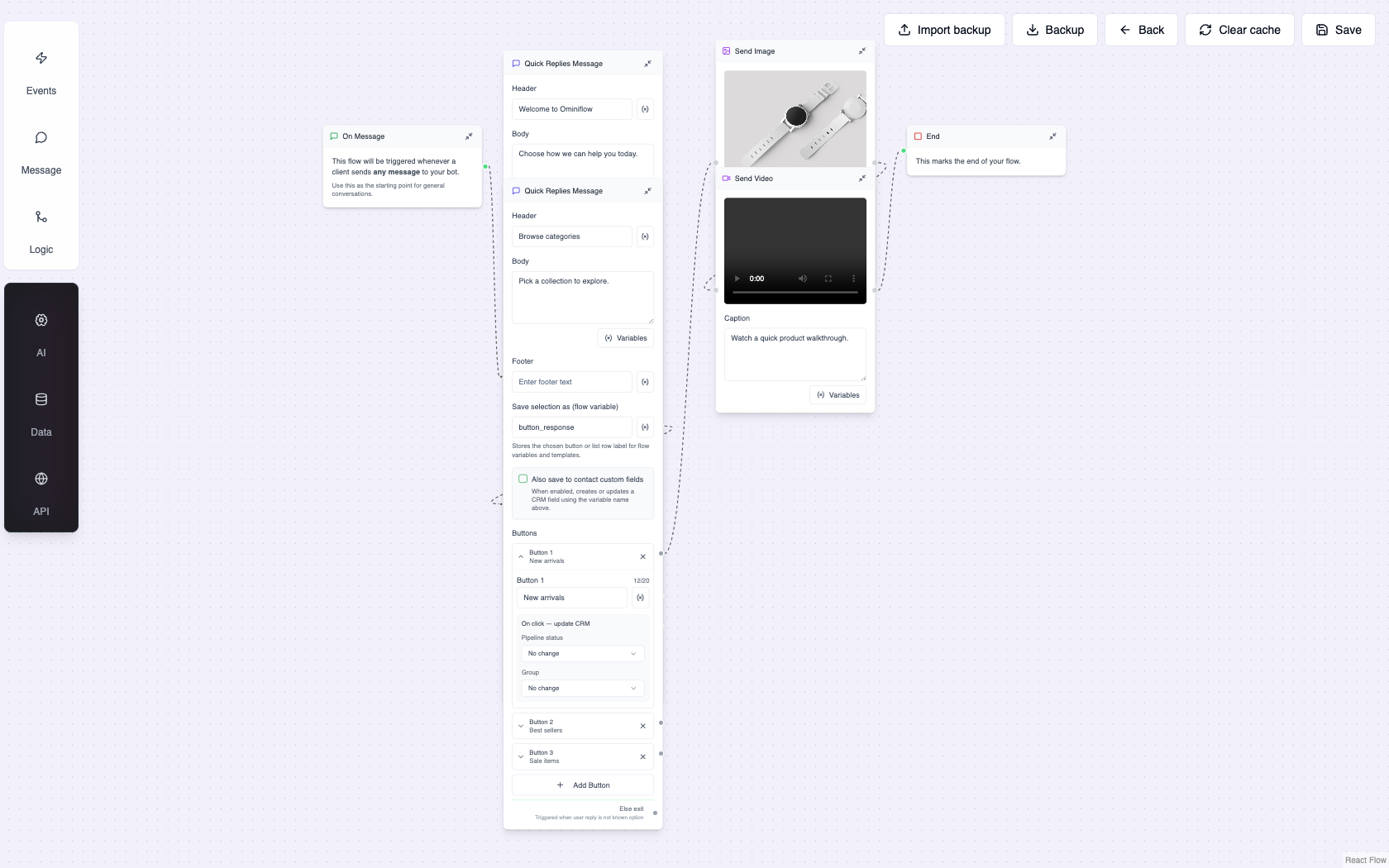
Create the ad in Meta Ads Manager. Point it at the Cloud API number. Ominiflow tags the campaign, runs the first-reply flow (code, FAQ, or qualify), holds the 72-hour window, hands off in the shared inbox, and passes Meta conversation fees at cost. You do not need a second BSP because the click came from Instagram instead of a QR code.
Launch checklist
- Destination number is the one you will keep (OTP, orders, support)
- First message matches the ad promise; catalog or agent can finish the question
- Opt-in ask is explicit if you will send Marketing after the window
- Night and weekend coverage is a bot, not hope
- Optimize the campaign for leads or purchases; pause if quality goes yellow
Click-to-WhatsApp product page · Lead ads vs WhatsApp · Increase online sales · Instagram click-to-chat · Remarketing · Book a demo
FAQ
What are ads that click to WhatsApp? expand_more
They are Meta ads (Facebook and Instagram) with a call-to-action that opens a WhatsApp chat with the business. WhatsApp for Business also cites more than 175 million people messaging a WhatsApp Business account daily (internal data).
What are Click-to-WhatsApp ad best practices? expand_more
Use authentic, high-quality creative; deliver in chat what the ad promised; do not spam after the click; collect a clear Marketing opt-in for later templates; optimize Ads Manager for leads or purchases. Meta documents these across its Click-to-WhatsApp resource pages.
Do I need the WhatsApp Business app to run Click-to-WhatsApp ads? expand_more
The getting-started page points small businesses to the free Business app. Teams that need a shared inbox, Shopify lookup, or approved templates should land the same ads on Cloud API (Ominiflow) instead of a single phone.
How long can I message someone after they click a WhatsApp ad? expand_more
The user-initiated window is typically 72 hours of free-form replies. After that, promotional templates need documented opt-in. Utility order updates follow the order, not the ad click.
How do I run Click-to-WhatsApp ads on Ominiflow? expand_more
Connect the Cloud API number, publish a qualifier bot with talk-to-human, create the campaign in Ads Manager with WhatsApp as the destination, and tag chats by campaign. Meta conversation fees pass at cost. Typical go-live is 5-7 business days with complete Business Manager documents.

