Can I switch from WATI without losing my WhatsApp number?
Leaving WATI does not mean a new WhatsApp number. Here is the 2026 migration path: WABA ownership, template port, contact export, bot rebuild, 48-hour parallel run, and typical 5–7 day go-live. Yes. Meta moves the number between BSPs on the same WhatsApp Business Account. You keep display name and approved templates. Chatbot flows must be rebuilt on Ominiflow.
Last updated: 30 August 2026
Teams search switch from WATI or migrate from WATI when the inbox still works but the bill, the CRM, or the bot ceiling does not. The fear is losing the green-tick number and every approved template. That fear is usually wrong: Meta owns the number and the template namespace. The BSP is a software layer you can change.
This is the Ominiflow runbook we use on paid migrations from WATI — what transfers, what you rebuild, how long it takes, and how not to broadcast to a dirty export during Diwali week. If you only need a printable task list, use the WATI migration checklist. If you still need the why, read WATI review 2026 first.
Typical Ominiflow go-live is 5–7 business days with complete Meta Business Manager documents; incomplete KYC or multi-number setups can take 2–4 weeks. Chatbot graphs never export between vendors. Affiliation: Ominiflow performs these migrations.
Keep
WhatsApp number, display name, and Meta-approved templates
Rebuild
chatbots, Zapier zaps, agent macros, and webhook URLs
48 hrs
recommended parallel watch after cutover before you cancel WATI
Too long? Start here
- Number + templates travel. Chatbot logic does not. Budget rebuild time, not a new WABA
- Own Business Manager. If WATI created the BM and you cannot admin it, fix access before the BSP switch
- Export contacts with opt-in source. A CSV of phones is not a marketing list
- Do not cut over on a sale week. Pilot 50–100 opted-in chats first
- Tools: checklist · TCO calculator · free migration program
What transfers vs what you rebuild
| Asset | Transfers? | Notes |
|---|---|---|
| WhatsApp Business number | Yes | Meta BSP switch on the same WABA. Downtime is usually minutes to a few hours off-peak, not days of a dead number |
| Approved message templates | Yes | They live in Meta, not in WATI. You re-sync them in Ominiflow’s template library |
| Display name / green tick path | Yes / continue | Official Business Account stays. Blue-tick is a separate Meta verification — blue tick guide |
| Contact CSV | Export | E.164 phones, names, tags, last inbound date, marketing opt-in evidence |
| Chat history | Usually no | Export what WATI allows for compliance; agents will not see old threads in the new inbox by default |
| Keyword chatbots / flows | No | Rebuild in the visual builder. Recreate the top 2 revenue journeys first (COD + WISMO) |
| Zapier / Make recipes | No | Replace Zoho/Shopify zaps with native connectors where possible |
| Shopify / CRM webhooks | No | Point events at Ominiflow. Growth-plan WATI has no webhooks — you may be adding capability, not copying it |
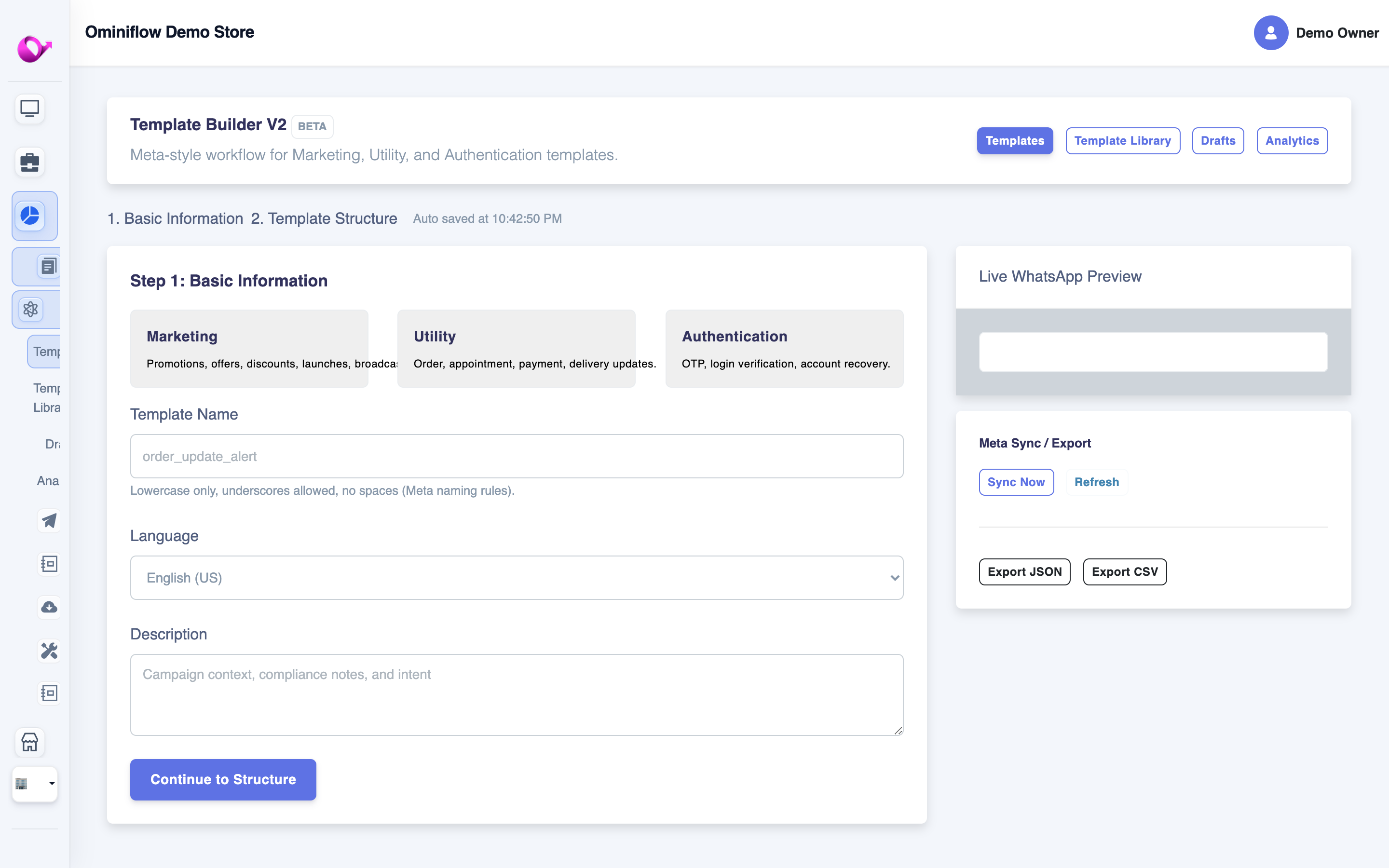
Seven-step switch from WATI
1. Audit WABA ownership (day 0)
Log into Meta Business Manager. Confirm you are admin of the business, the WhatsApp account, and the phone number. If a partner “holds” the WABA, request admin before you file a BSP change. This is the #1 delay we see — not template mapping.
2. Inventory templates and journeys (day 0–1)
List every live template by Meta category (Authentication, Utility, Marketing). Screenshot WATI bots: keywords, buttons, handoff rules. You will not get a JSON export that pastes into Ominiflow. The inventory is the spec.
3. Export contacts the legal way (day 1)
CSV with country code. Keep a column for opt-in source (checkout checkbox, CTWA, paper form). Marketing templates without a documented opt-in burn quality rating. Utility order updates follow customer expectation — still do not mix a cold Excel dump into a festival blast. Policy: quality rating guide.
4. Stand up Ominiflow in parallel (day 1–3)
Create the workspace, connect Cloud API (or complete Embedded Signup), sync templates, invite two agents. Rebuild only the journeys that make money this week: order/COD confirm and “where is my order.” Native Shopify: Shopify. Native Zoho: CRM no-code.
5. File the BSP / number move (day 3–5)
Ominiflow onboarding submits the Meta-side change with you. Keep WATI paid until the number answers in the new inbox. Do not cancel first. Incomplete documents stretch this to 2–4 weeks — GST, website, and Business Manager matching the legal name are the usual blockers.
6. Pilot, then cut over off-peak (day 5–7)
Send 50–100 opted-in utility or service messages. Confirm delivery, agent assignment, and CRM log. Then move production. Night or Sunday morning in IST beats Friday 6pm before a sale.
7. 48-hour parallel watch, then cancel WATI
Leave WATI read-only if the product allows. Watch quality rating, failed webhooks, and missed assignments. When green, cancel so you do not double-pay seats. If something fails, you still have a fallback window.
Printable version of the same sequence: WATI migration checklist.
Mistakes that make “migrate from WATI” painful
- Switching during Diwali / BFCM week with untested bots
- Assuming chatbot export exists (it does not)
- Broadcasting the full WATI export without opt-in audit
- Leaving Shopify webhooks on the old URL
- Two agents still logged into WATI after cutover (split brain)
- Not telling finance the Meta rate card will look different — that is a feature if you were paying markup. India rates: marketing ₹0.86, utility ₹0.115 (August 2026, verify live)
How long does a WATI to Ominiflow migration take?
| Scope | Calendar time |
|---|---|
| Number + templates + one utility flow, documents complete | 5–7 business days |
| Technical cutover once Meta approves the BSP change | Often 2–4 hours off-peak |
| Full automation rebuild (10+ bots, Zapier, multi-number) | 2–3 weeks in parallel with live WATI |
| KYC / BM access missing | Add 2–4 weeks |
Ominiflow assists on paid plans; setup is free. Program page: switch to Ominiflow.
Will I save money by switching from WATI?
Only if your TCO is the problem — contact tiers, seat packs, Shopify add-on, Zapier, or conversation markup. Model it before you migrate for savings alone. WATI pricing India 2026 · calculator · feature comparison.
If WATI still fits a 3-agent inbox and you are happy, stay. Migration has operational cost even when the number survives.
Start free · pricing · best WATI alternative
FAQ
Can I switch from WATI without losing my WhatsApp number? expand_more
Yes. Meta moves the number between BSPs on the same WhatsApp Business Account. You keep display name and approved templates. Chatbot flows must be rebuilt on Ominiflow.
How long does it take to migrate from WATI to Ominiflow? expand_more
5–7 business days with complete Business Manager documents for a standard single-number move. Incomplete KYC can take 2–4 weeks. The live cutover is usually a few off-peak hours once Meta processes the BSP change.
Do my WATI chatbots copy across? expand_more
No. Keyword rules and flow canvases are vendor-specific. Recreate the top revenue journeys in Ominiflow’s visual builder first, then the long tail.
Will my Meta-approved templates still work? expand_more
Yes. Templates are approved by Meta on the WABA. Ominiflow syncs them. You do not resubmit unless you change copy or category.
Should I cancel WATI before the number moves? expand_more
No. Keep WATI active until the number receives in Ominiflow and you complete a 48-hour watch. Then cancel to avoid double seat fees.


