What does scaling a WhatsApp Business Account do?
Meta scales a WhatsApp Business Account when you complete one of three paths. That jump takes you from 250 to 2,000 unique customers a day, up to 20 phone numbers, a display name in chats, and eligibility to apply for an Official Business Account. It raises how many unique customers you can message first per 24 hours (250 to 2,000, then automatic higher tiers), how many phone numbers you can register (2 to 20), lets you apply to show a business name in chats, and makes the portfolio eligible to apply for an Official Business Account. Customer-initiated chats are already unlimited.
Last updated: 2 September 2026
A new WhatsApp Business Account does not ship at festival volume. Meta starts most business portfolios at 250 unique customers you can message first in a rolling 24 hours, and two registered phone numbers. Customer-initiated chats are already unlimited. What is capped is how many people you can reach first — and how many numbers you can attach — until the account is scaled.
Meta’s Help Center article Scale your WhatsApp Business Account capabilities is the official rulebook. You complete one of three paths. After that, the portfolio can jump to 2,000 unique users a day, register up to 20 numbers, apply to show a business name in chats, and become eligible to apply for an Official Business Account. Further limit increases are automatic if quality and usage stay healthy.
This playbook keeps that Meta policy intact, then maps each path to Cloud API operations on Ominiflow — verification during Embedded Signup, quality-safe volume, and extra numbers in one inbox. Meta can change thresholds without a blog post. Confirm the live limit in WhatsApp Manager before a large send.
Primary source: Scale your WhatsApp Business Account capabilities (Meta Business Help Center). Automatic scaling and API fields: Messaging limits. Partner path: Partner-led business verification.
250 → 2K
unique customers you can initiate with per portfolio, per 24 hours
2 → 20
phone numbers you can register on the same business portfolio
1 of 3
scaling paths required — verification, partner-led, or quality messaging
Too long? Start here
- Scaling is a portfolio event, not a per-number hack. All numbers in one Meta Business Portfolio share the unique-user cap
- Finish one path: Meta business verification, partner-led verification (approved Solution Partners), or 2,000 delivered template messages to unique users outside the service window in 30 days at high quality
- What you unlock: 2,000 unique users / 24h (then automatic 10K → 100K → Unlimited), up to 20 numbers, display-name application, Official Business Account eligibility
- Do not “farm” the 2,000-message path on a cold CSV. Meta reviews quality after the path. A Yellow rating can deny further scaling
- On Ominiflow: Embedded Signup + document checklist, then utility-first volume so the 50% usage rule for automatic upgrades does not burn quality — start free
What “scaled” actually unlocks
Teams often treat scaling as “the broadcast limit.” Meta’s help article is broader. Conversation limits, extra numbers, display name, and Official Business Account eligibility all sit behind the same gate.
| Capability | Before scaling | After scaling |
|---|---|---|
| Business-initiated unique users / 24h | 250 per business portfolio | 2,000, then automatic increases if quality and usage hold |
| Customer-initiated conversations | Unlimited | Unlimited |
| Registered phone numbers | Up to 2 | Up to 20 |
| Display name in chats | Usually the number unless the contact has saved you | You can apply to show the business name (Meta still reviews the name) |
| Official Business Account | Not eligible | Eligible to apply — not automatic. Badge is a separate notability review |
The 250 / 2,000 figures count unique WhatsApp users you message first in a rolling 24 hours. Replies inside an open customer-service window do not consume that cap. Limits live on the business portfolio — adding a second number does not double capacity. That is why opening extra lines to dodge a Yellow rating fails, and why the quality rating guide and this article have to be read together.
The three scaling paths
You only need one. Pick the path that matches how you onboarded — not all three in parallel.
Path 1 — Meta business verification. Standard Security Center flow: legal name, address, and a supporting document (GST / incorporation in India, EIN/LLC in the US, trade licence in the UAE). Typical review is a few business days when documents match the Business Manager name.
Path 2 — Partner-led business verification. Approved Select or Premier Solution Partners can submit WhatsApp-only verification for clients onboarded via Embedded Signup. Meta’s developer docs say decisions can come in minutes instead of days. This verifies the business for WhatsApp; it is not a substitute for the Official Business Account badge. Partner-type context: Tech Provider vs Solution Partner.
Path 3 — Quality messaging. Deliver 2,000 template messages outside customer-service windows to unique users in a moving 30-day period, using templates with a high quality rating. After that, Meta analyses quality and either approves the 2,000 limit (and automatic-scaling eligibility) or denies it.
Path 1: Verify the business (the default for most teams)
This is the path we run on almost every Ominiflow go-live. Incomplete or mismatched documents are the #1 delay — not the API itself.
- Open Meta Business Suite → Settings → Security Center and start business verification
- Legal name on the document must match the Business Manager name (or a documented DBA)
- India: GST certificate, Certificate of Incorporation / MCA extract, or a utility bill that matches address. US: EIN letter or formation docs. UAE: trade licence
- Website with HTTPS, a real contact page, and a privacy policy helps the review. Domain verification is optional but useful
- Wait for Meta’s email. Typical window is 1–5 business days with complete paperwork; messy name mismatches can stretch to weeks
Once verified, Meta can raise the portfolio to 2,000 unique users / 24h and unlock the extra-number and display-name applications. Document list and sprint order: onboarding checklist. India-specific paperwork: WhatsApp Business API India. Full signup flow: how to get WhatsApp API.
Path 2: Partner-led verification
If you signed up through a BSP’s Embedded Signup, the partner may be able to collect your documents and submit WhatsApp-only verification on your behalf. Meta documents this as faster than the standard Security Center queue — minutes instead of days when the partner is approved for the program.
What it is not: a green tick, a display-name rubber stamp, or a way around opt-in rules. After a partner-led pass you still submit display name for review, still need two-step verification on the number before an Official Business Account request, and still live under the same messaging policy.
On Ominiflow, start with Embedded Signup from the register flow. If partner-led submission is available for your account, the onboarding team will ask for the same legal documents you would upload in Security Center — do not send passports or personal IDs unless Meta explicitly requests them for your entity type.
Path 3: Earn the 2,000 limit with quality templates
This path exists for businesses that are already sending and have not finished verification yet. It is not a loophole for a Diwali blast.
- Messages must be template sends outside the 24-hour customer-service window
- They must land on unique WhatsApp user numbers — 2,000 repeats to 50 people do not count
- Templates need a high quality rating during that 30-day window
- Meta then analyses quality. Approval raises you to 2,000 and (if quality holds) automatic scaling. Denial leaves you at 250
The practical way to use this path: utility and authentication to people who already opted in — order shipped, appointment reminder, login OTP — until you cross 2,000 unique delivered templates. The way that fails: a purchased “WhatsApp database,” a festival marketing template to cold CRM, or mixing promo copy into Utility. That is how numbers go Yellow and how Meta denies the scale. Recovery sequence: stay Green, recover from Yellow & Red.
After 2,000: automatic scaling
The Help Center note — “you can increase this limit through automatic scaling” — is the second half of the job. Once the portfolio sits at 2,000, Meta can move you up the ladder without another verification ticket:
| Portfolio limit | How you get there |
|---|---|
| 250 | Default for a new, unscaled business portfolio |
| 2,000 | Complete one of the three scaling paths above |
| 10,000 | Automatic: high-quality sending across numbers and templates, and at least 50% of the current limit used in the last 7 days |
| 100,000 | Automatic — same quality + utilisation rule |
| Unlimited | Automatic at the top of the ladder |
When both quality and 50% utilisation are met, Meta can raise the limit one tier within about six hours. A Yellow or Red number quality score is why a brand “sent enough volume” and still sits at 2,000. Volume without quality does not unlock 10,000.
Volume playbooks once the tier matches the list: how to send 500–100,000 messages. Safe bulk rules: bulk messaging without a ban.
How to check the current limit
- WhatsApp Manager → Account tools → Messaging limits
- Phone Number API — request
whatsapp_business_manager_messaging_limit. The oldermessaging_limit_tierfield is deprecated - On a successful path-1/2/3 upgrade, Meta emails you and can fire a
business_capability_updatewebhook with the new max daily conversations value
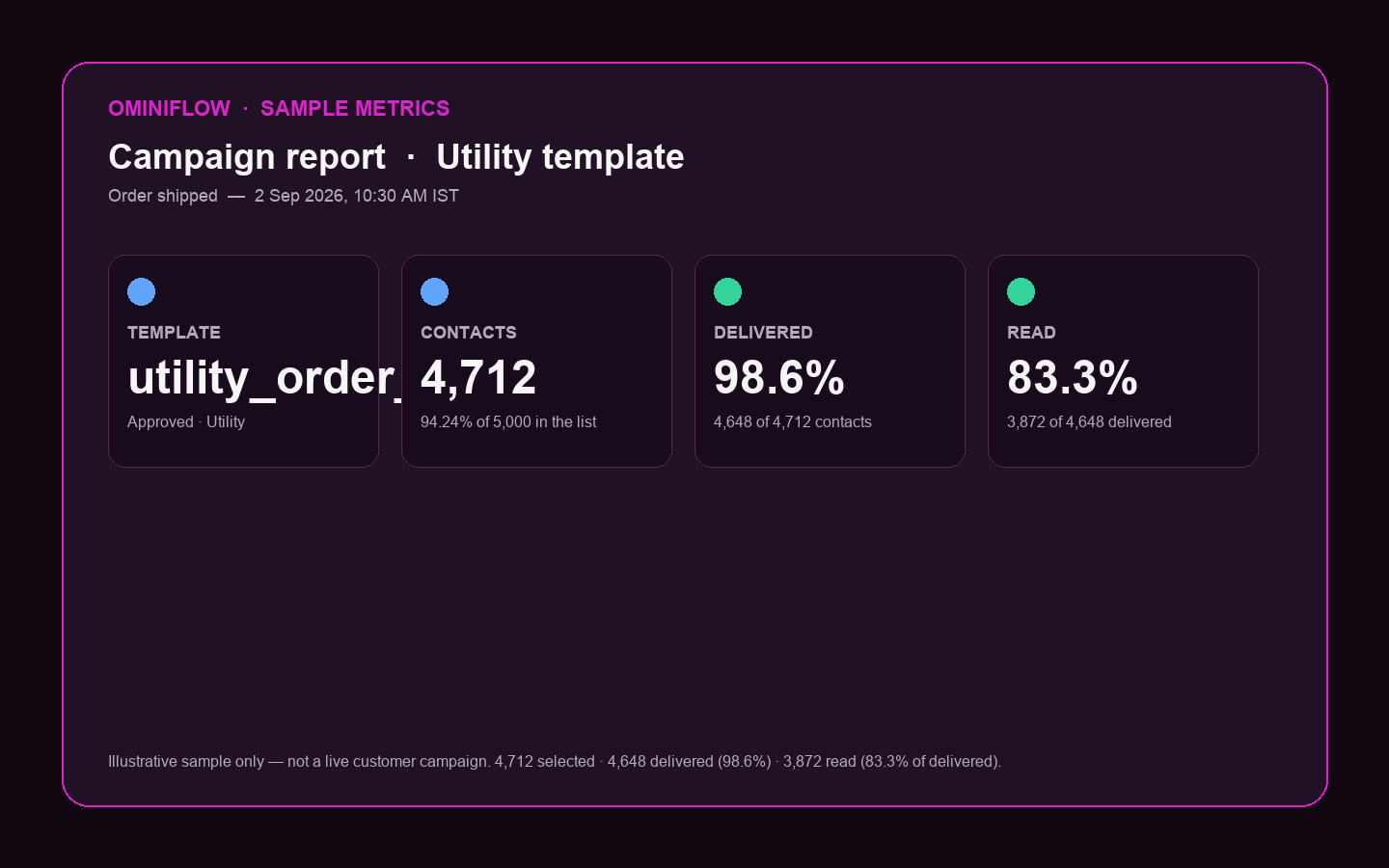
Ominiflow surfaces the same WhatsApp Manager quality and limit state next to campaign reports so you do not discover a freeze mid-blast.
Display name vs Official Business Account
Scaling makes you eligible to apply. It does not print the name or the badge by itself.
- Display name is what customers see in the chat header once Meta approves it. It should match the legal entity or a registered brand/DBA. Approval is a separate review from verification
- Official Business Account (the verified badge) needs a scaled, verified portfolio, an approved display name, two-step verification on the number, and notability — organic press, not paid advertorials. Meta decides. The BSP does not
Application path and rejection reasons: WhatsApp Blue Tick. Calling on the Business Platform also expects a 2,000+ daily messaging limit on the number — another reason to finish scaling before you enable voice. Details: WhatsApp calling for business.
Twenty numbers, one portfolio cap
After scaling you can register up to 20 business phone numbers on the portfolio. That is useful for sales vs support vs a regional brand line. It is not 20× the unique-user limit. Throughput is still shared.
Run those numbers in one Ominiflow workspace — shared inbox, scoped automations, per-number analytics — instead of 20 BSP logins. Product: multiple WhatsApp numbers. Operations: multi-number feature guide.
Documents do not match BM
GST in one spelling, Business Manager in another, display name in a third. Verification stalls. Align legal name first, then submit.
Cold list for path 3
2,000 unique template delivers on a scraped list will trip quality. Meta can deny the scale. Utility to opted-in engaged users only.
Stuck at 2,000 after “enough volume”
You used less than half the cap in 7 days, or quality is not high. Automatic scaling needs both. A Yellow number freezes the ladder.
Second number as a cheat code
Limits are portfolio-level. A new number still shares 250 or 2,000. Opening lines to dodge quality is a policy risk, not a tier upgrade.
How to scale this on Ominiflow
Treat scaling as week-one infrastructure, not a pre-festival panic.
- Connect Cloud API with Embedded Signup. Dedicated number — not a personal WhatsApp you still use for family chat
- Submit verification documents the same day. Do not wait until the first 250 unique users are spent
- Approve Authentication and Utility templates first. OTP, order, COD, appointment. That volume is what customers expect, and it is the safe way to use path 3 if verification is slow
- Keep number quality Green. Documented opt-in, no purchased lists, inbox coverage after every campaign. Pause marketing if block rate approaches 1%
- Use the 2,000 cap on purpose. Once you are scaled, send enough high-quality unique users in a 7-day window to clear the 50% bar if you actually need 10,000 — do not blast the whole CRM to “force” an upgrade
- Apply display name, then OBA if you are notable. Two-step verification on the number before the badge request
Typical guided go-live with complete documents is 5–7 business days. Meta conversation fees pass at cost. Extra numbers after scaling sit in the same inbox.
How this maps to Ominiflow
Ominiflow is the Cloud API layer for a scaled WABA: template library, quality-aware campaigns, shared inbox, and up to 20 connected numbers under one login. We walk verification and display-name review. Meta still owns approval, messaging limits, and the Official Business Account decision. None of those are sold as a paid add-on.
Blue Tick · Multiple numbers · Book a demo · Quality rating
FAQ
What does scaling a WhatsApp Business Account do? expand_more
It raises how many unique customers you can message first per 24 hours (250 → 2,000, then automatic higher tiers), how many phone numbers you can register (2 → 20), lets you apply to show a business name in chats, and makes the portfolio eligible to apply for an Official Business Account. Customer-initiated chats are already unlimited.
Do I have to complete all three scaling paths? expand_more
No. Meta requires one: standard business verification, partner-led verification through an approved Solution Partner, or 2,000 delivered unique template messages outside the service window in 30 days at high quality.
Is the 2,000 unique-user limit per phone number? expand_more
No. In 2026 the unique-user cap sits on the business portfolio. Every number in that portfolio shares it. A second number does not double the limit.
Does scaling give me the WhatsApp blue tick? expand_more
No. Scaling makes you eligible to apply. The Official Business Account badge still needs an approved display name, two-step verification, and Meta’s notability review. See the blue tick page.
How do I go from 2,000 to 10,000 unique users a day? expand_more
Keep sending high-quality messages and use at least half of your current limit in the previous 7 days. Meta can move you one tier within about six hours. Yellow or Red quality freezes the upgrade.
Can I scale without verifying my business? expand_more
Yes, via the quality-messaging path — but Meta still analyses quality afterwards and can deny the upgrade. Verification is faster and cleaner for most Indian and international SMBs, and you need it anyway for display name and Official Business Account. Published 2 September 2026. Summarised from Meta Business Help Center and WhatsApp Business Platform developer docs. Thresholds and review times are Meta’s; they can change. This is operational guidance for Cloud API on Ominiflow, not a guarantee of limit upgrades, display-name approval, or Official Business Account status.


