When should I start a WhatsApp campaign for Diwali or Black Friday?
13% of holiday shoppers started before November. WhatsApp’s campaign-timeline cheat sheet: ready the channel 1–2 months out, launch at least 2 weeks before the peak, watch quality rating live, then spend 7 days on follow-up, NPS, and what to reuse. Here is that model on Cloud API. WhatsApp’s cheat sheet: develop or update the channel 1–2 months before the peak, have it ready and scaled about 2 weeks out, and launch the campaign layer about 30 days out — never later than 2 weeks before the high-value moment. YouGov found 13% of holiday shoppers started before November.
Last updated: 30 August 2026
Planning is the campaign. WhatsApp for Business’s seasonal cheat sheet exists because shoppers already moved: 13% started seasonal shopping before November in the prior year (YouGov for Meta, Dec 2024). If your Cloud API number, templates, and inbox are still “we’ll do it in festival week,” you are behind people who already decided.
This recap keeps that cheat sheet intact — model timeline, what to run at each lifecycle stage, live KPIs, quality-rating warning, and post-campaign learnings — then maps the clock to Ominiflow. The seven journeys are in the 7 festive strategies recap. The resource hub is the festive sales playbook. This page is when.
Primary source: How and When to Plan Your WhatsApp Campaign (Seasonal Sales Central cheat sheet). One-sheet PDF in Meta’s April 2026 library. Shopper stat: YouGov Seasonal Holidays Study for Meta (18,727 shoppers). Quality-rating rules are Meta’s; individual results differ.
1–2 mo
develop or update the WhatsApp channel before the peak
2 wks
minimum before the high-value moment to launch — never later
7 days
post-campaign: follow-up, NPS, what to reuse, what to fix
Too long? Start here
- Shoppers start early — 13% before November last year. Your setup has to start earlier than their browsing
- Model clock: 1–2 months to build/scale the channel; campaign live ~30 days out; never launch later than 2 weeks before peak; ~2 weeks with the channel “ready and scaled”
- During the sale: watch quality rating daily. A drop can cut the number of people you are allowed to notify
- After: 7 days of loyalty, NPS, and a written list of templates to reuse vs kill
- On Ominiflow: template library + campaign reports + pause-if-yellow. Worked dates for Black Friday 27 Nov 2026 below · start free
The official model timeline
The cheat sheet’s line is useful: the clock is always ticking, but it is never too late to start. Still, “never too late” is not “festival morning.” Meta’s sample offsets:
| Phase | When (relative to peak) | Job | On Ominiflow |
|---|---|---|---|
| Set up the channel | 1–2 months before | Develop or update WhatsApp: number, catalog, opt-in, integrations | Cloud API go-live, Shopify/Zoho, Utility templates green |
| Ready and scaled | ~2 weeks before | Throughput, agents, bots, quality already warm | Shared inbox staffed; CTWA qualifier live; Marketing templates approved |
| Campaign launch | ~30 days out; minimum 2 weeks | Awareness and discovery: lead gen + promotions | CTWA + opted-in teasers; VIP early access — not the full dump |
| During | Peak window | Consideration and purchase; monitor quality rating | Cart recovery, consultative inbox, pause Marketing if yellow/red |
| Post-campaign | 7 days after | Fulfillment, support, loyalty, NPS, reuse vs improve | Utility shipped/COD; one win-back; campaign report review |
Launch “30 days” and “minimum 2 weeks” are both on the sheet. Read them as: start the campaign layer a month out; if you are late, two weeks is the floor — not the plan.

Worked clock: Black Friday 27 November 2026
Slide every date if Diwali, 11.11, or El Buen Fin is your peak. Offsets stay the same.
Channel (1–2 months)
Official Cloud API on one number. Checkout opt-in. Authentication + order/COD Utility approved. CTWA test campaign with a bot — not a personal phone. Typical Ominiflow go-live is 5–7 business days with complete Business Manager docs; leave buffer for rework.
Campaign layer (~30 days)
Submit Diwali/Black Friday Marketing templates. Segment VIP / 90-day / lapsed. Cart webhook on. Inbox roster for peak hours. Tease VIP only — Black Friday template · Diwali template.
Ready and scaled (~2 weeks)
Quality green. Bot + human handoff proven. Last day you should still be “launching.” After this, you are operating, not building.
Peak + 7-day follow-up
Few Marketing sends; lots of Utility. Then thank-you, NPS or review ask, one win-back to opted-in non-buyers, write down which templates to reuse.
If today is late August 2026, you are inside the 1–2 month window for Black Friday — and already late for a peak that sits in October. Start the channel this week, not the teaser.
India teams often treat Diwali as the real peak and Black Friday as a second wave. Run the same offsets twice: finish Utility and COD confirm before the first festival, then reuse the warm number for 27 November. Do not stand up a second unofficial sender “just for BFCM.” Quality rating is per number; a mute from the first sale follows you into the second.
What to run at each lifecycle stage
The cheat sheet maps messaging to the journey, not to a single blast. That is the same seven plays as the May 2025 strategies article, on a clock.
| Stage | WhatsApp for Business lists | Category to use |
|---|---|---|
| Awareness / discovery | Lead generation, promotions | CTWA (service window) then Marketing opt-in |
| Consideration | Promotions, consultative selling, wish lists, product/service info | Service + catalog + Flows; Marketing only if opted in |
| Purchase | Personalized offers, abandoned cart recovery | Marketing (opt-in) or Utility if still in-session |
| Post-purchase / re-engagement | Fulfillment, support, cross-sell/upsell, loyalty | Utility first; Marketing for loyalty/upsell with consent |
| Follow-up and learnings | Keep loyalty, what to improve, what to reuse, NPS | One survey or thank-you; do not start a new festival blast |
India D2C: put COD confirm in post-purchase before you scale Marketing. A yellow quality rating in week one of the sale is how you lose the rest of the window.
During the campaign: watch quality, not only ROAS
The cheat sheet’s live warning is the one that pays for the whole timeline: closely monitor quality rating. A decrease can lead to a drop in tier — you are then limited to notifying fewer users, in the week you needed more. That is Meta throttling you mid-Diwali because blocks and reports spiked.
Leads, CPL — from CTWA and Flows forms, tagged to campaign in the inbox
Conversion, CPA, ROAS — chats that bought, not messages delivered
Consultative engagement — catalog taps, handoffs, time-to-first-reply
Sales / business outcomes — plus block rate and quality colour, every day
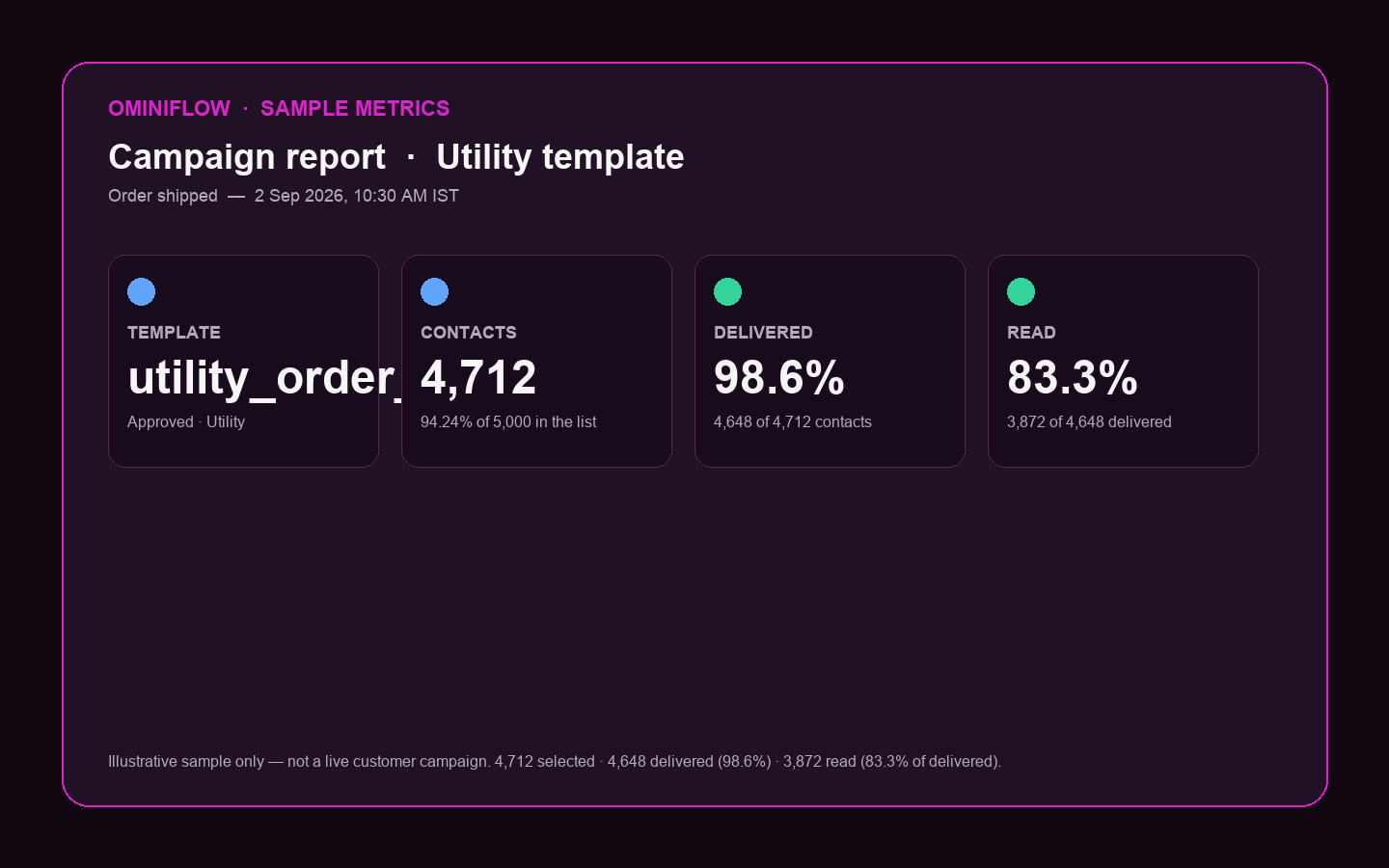
Meta lists those results as non-exhaustive. On Ominiflow, sit campaign reports next to quality. If quality goes yellow, pause Marketing, keep Utility, fix the template that caused reports. Guide: quality rating.
Post-campaign: 7 days that pay next year
The sheet does not end at “sale over.” Seven days for:
- Fulfillment and support — WISMO will peak after the blast, not during it
- Loyalty — keep the program you started; do not ghost the new buyers
- NPS / “what to improve” — one question in-thread beats a 12-field email survey
- What to reuse — which template, segment, and send time actually converted
Write it down while the data is hot. Next year’s 1–2 month setup is this year’s post-campaign notes plus a live Cloud API number — not a new BSP scramble.
How this maps to Ominiflow
The cheat sheet assumes you can stand up a channel, launch campaigns, read quality, and follow up. Ominiflow is that stack on official Cloud API: templates, visual flows, shared inbox, Shopify events, campaign analytics, Meta fees at cost. The Revenue OS stages (Acquire → Qualify → Sell → Collect → Support → Retain) are the lifecycle rows on Meta’s one-sheet.
If you are already late
Never too late still has an order: Utility and inbox first, then one opted-in Marketing template to VIP, then CTWA. Do not buy a cold list. Do not open a second unofficial number. Do not skip quality watch. Two weeks of a trusted thread beats four weeks of a mute.
Festive playbook · 7 strategies · Marketing · Book a demo
FAQ
When should I start a WhatsApp campaign for Diwali or Black Friday? expand_more
WhatsApp's cheat sheet: develop or update the channel 1-2 months before the peak, have it ready and scaled about 2 weeks out, and launch the campaign layer about 30 days out — never later than 2 weeks before the high-value moment. Shoppers already start early (13% before November in YouGov's holiday study).
What KPIs should I watch when a festive WhatsApp campaign is live? expand_more
Meta lists leads and cost per lead, conversion rates, CPA, ROAS, consultative sales engagement, and sales outcomes. Also watch quality rating daily. A drop can reduce how many people you are allowed to notify.
Why does quality rating matter during festive week? expand_more
The cheat sheet says to monitor quality closely during the campaign. A decrease can drop your messaging tier so you can send notifications to fewer users — in the week you needed more. Pause Marketing if rating goes yellow; keep Utility order updates.
What should I do after the festive WhatsApp campaign? expand_more
Meta's model is 7 days of follow-up: fulfillment and support, loyalty, NPS, and a clear list of what to reuse vs improve. Do not start a new blast the day after the sale.
How do I run this timeline on Ominiflow? expand_more
Connect Cloud API 1-2 months out, approve Utility then Marketing templates, staff the shared inbox, launch CTWA and segmented campaigns, watch campaign reports next to quality colour, then run 7-day post-sale Utility and one win-back. Typical go-live is 5-7 business days with complete Business Manager documents.

