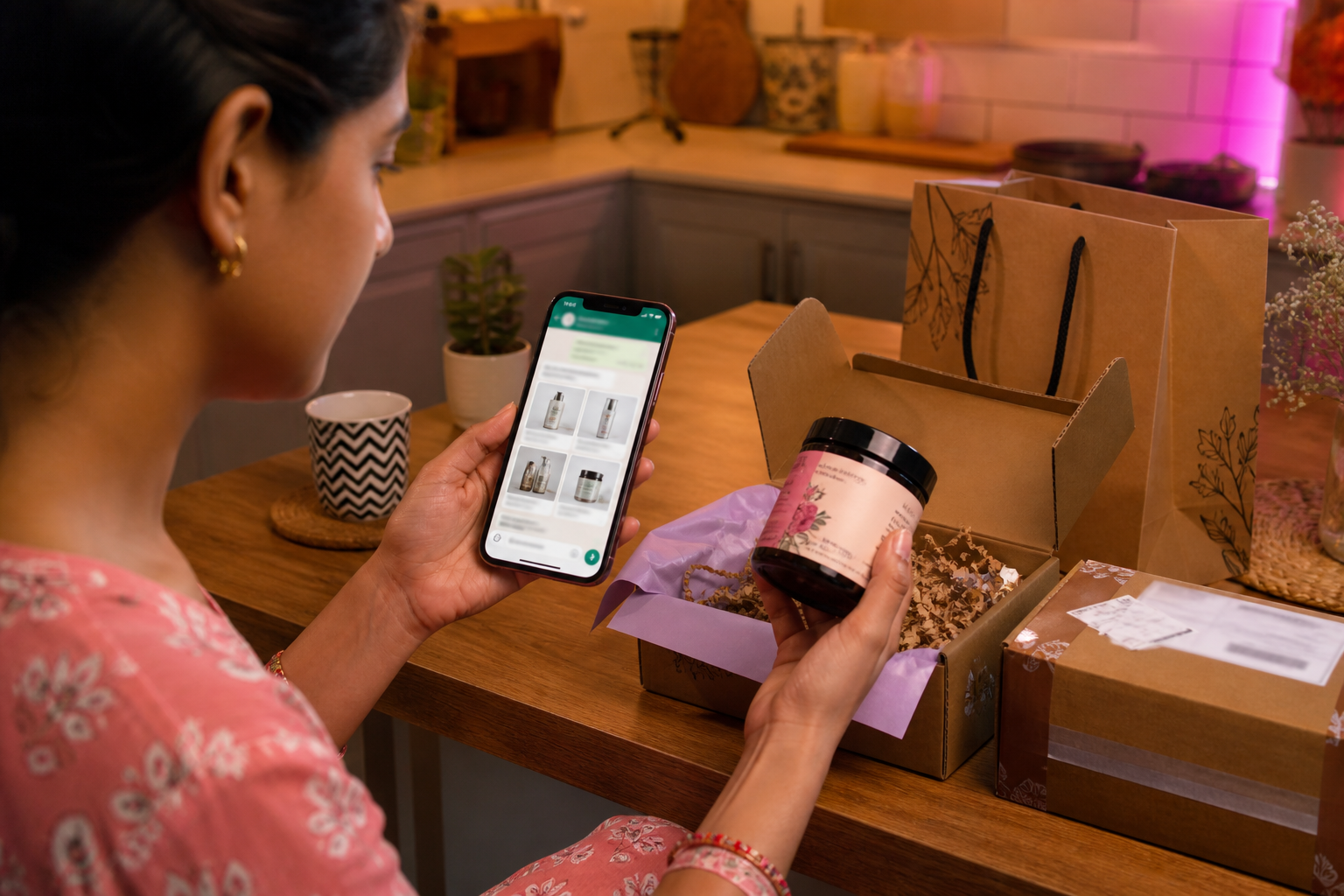
What is the WhatsApp Business Platform?
The WhatsApp Business Platform is Meta’s official enterprise messaging stack — delivered as Cloud API — for businesses to reach customers on WhatsApp with two-way conversations across marketing, sales, and support. It is not the free WhatsApp Business app on one phone. Common use cases include order and shipment notifications, appointment reminders, promotional campaigns, in-chat product browsing and checkout, automated support with agent handoff, OTP and multi-factor authentication, and custom interactive flows with buttons, lists, and rich media. Businesses access it through a Business Solution Provider (BSP) such as Ominiflow, which supplies shared inbox, template management, CRM connectors, and visual automation on top of Meta’s Graph API. Meta conversation fees pass through at cost on Ominiflow; typical go-live is 5–7 business days with complete Business Manager documents.
Last updated: 2 September 2026
The WhatsApp Business Platform is Meta’s official enterprise layer for customer engagement on WhatsApp — not the free Business app on a single phone, but the programmatic APIs that power notifications, promotions, in-chat commerce, support automation, account verification, and custom conversational flows at scale.
Meta positions it as the way to grow lead generation, conversational commerce, and engagement marketing with enterprise-level WhatsApp APIs. This recap keeps that product page intact — then maps each use case to what you actually operate on Cloud API with Ominiflow: one official number, shared inbox, approved templates, and CRM-connected workflows.
Primary source: WhatsApp Business Platform (whatsappbusiness.com). Developer reference: WhatsApp Business Platform overview. Product availability, pricing, and partner paths change — verify on Meta before you commit budget.
Reach
meet customers where they already are — on WhatsApp
Converse
two-way threads across marketing, sales, and support
Experience
interactive CTAs, product lists, rich media, and Flows
Too long? Start here
- WhatsApp Business Platform = Meta’s enterprise APIs (Cloud API) for scaled business messaging — templates, webhooks, multi-agent inbox, CRM sync
- It is not the free WhatsApp Business app. On-premise API is deprecated; Cloud API is the supported path in 2026
- Six headline use cases: notifications, promotions, commerce, customer care, verifications, custom flows
- You need a BSP like Ominiflow for inbox, bots, and onboarding — Meta ships infrastructure, not an end-user dashboard
- Run all six on one number with lifecycle orchestration — orchestration playbook · start free
Platform vs Business app — do not mix them up
Buyers search “WhatsApp Business” and land on two different products. The distinction matters for budget, compliance, and what your team can actually run.
| WhatsApp Business app | WhatsApp Business Platform (Cloud API) | |
|---|---|---|
| Who it is for | Solo shops, one phone | Teams, automation, integrations |
| Agents | One device (linked devices limited) | Unlimited agents on shared inbox |
| Broadcasts | 256-contact lists | Template-based campaigns at tier limits |
| CRM / store | Manual copy-paste | Webhooks, native Shopify/Zoho connectors |
| OTP / utility | Not designed for it | Authentication and Utility template categories |
| How you access it | Free download | BSP (Ominiflow) or direct Graph API build |
Deep comparison: WhatsApp API vs Business App. Complete setup guide: WhatsApp Business API complete guide.
Three things Meta says the Platform does
1. Reach customers almost anywhere
WhatsApp is already where your buyers message friends and family. The Platform lets a verified business meet them in that same app — without forcing a new download or a landing-page form. In India and much of Asia that is the default close; in the US and EU it is increasingly the high-trust thread for order updates and support.
2. Connect through conversations
One-to-one chat supports marketing, sales, and support outcomes across the customer journey. That is the architectural bet behind Meta’s lifecycle research: useful messages in the same thread make later marketing more likely to be read — up to 2× CLV when orchestrated.
3. Create memorable experiences
The API supports interactive CTAs, dynamic product lists, rich media (images, video, documents), list and reply buttons, and WhatsApp Flows for structured data capture without leaving the chat. On Ominiflow you build these in a visual flow builder — no webhook server required for standard journeys.
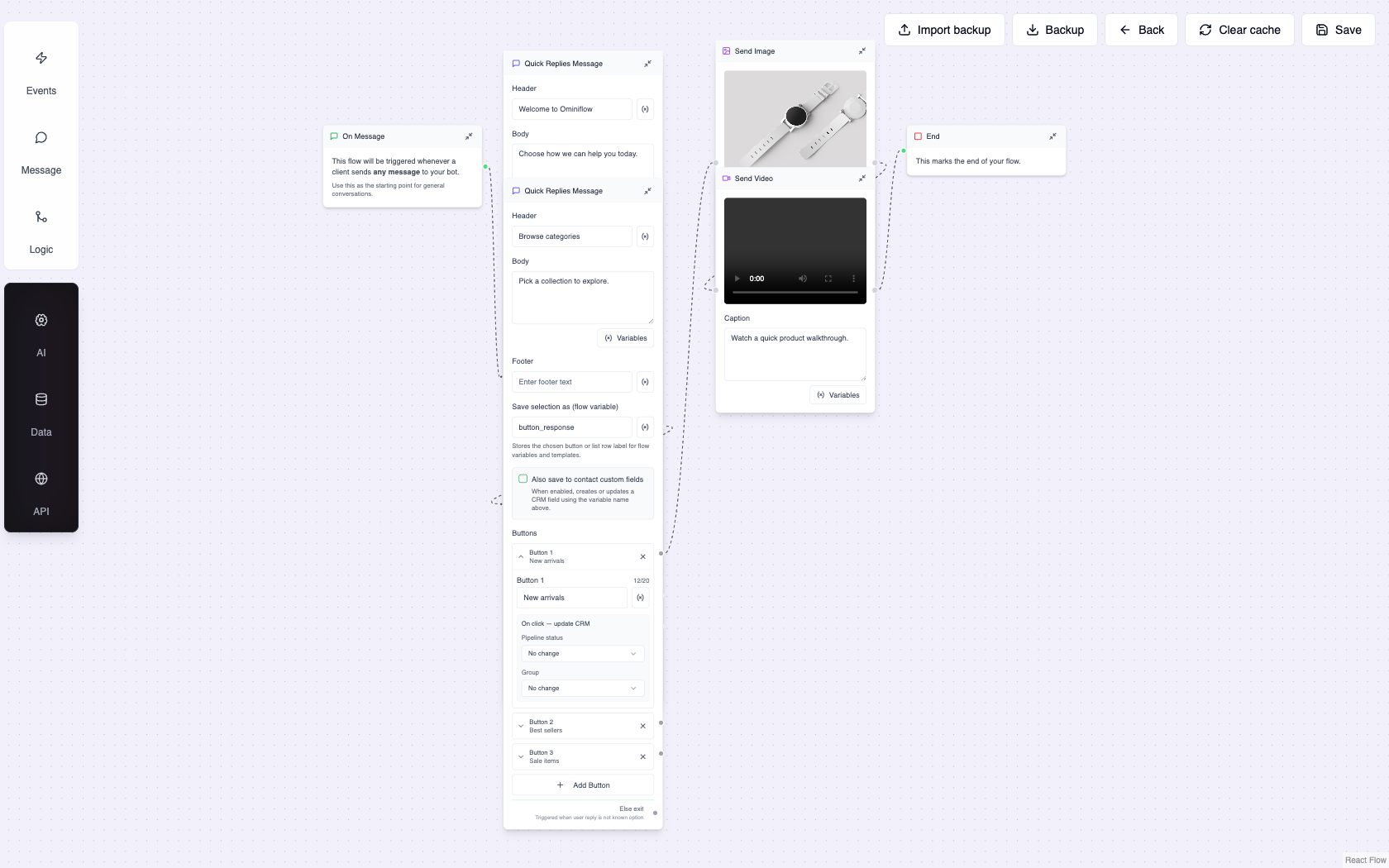
Six use cases Meta highlights — and how to run them
Meta’s product page groups the Platform into six jobs. Map each to template category, consent rules, and an Ominiflow workflow.
Share important updates
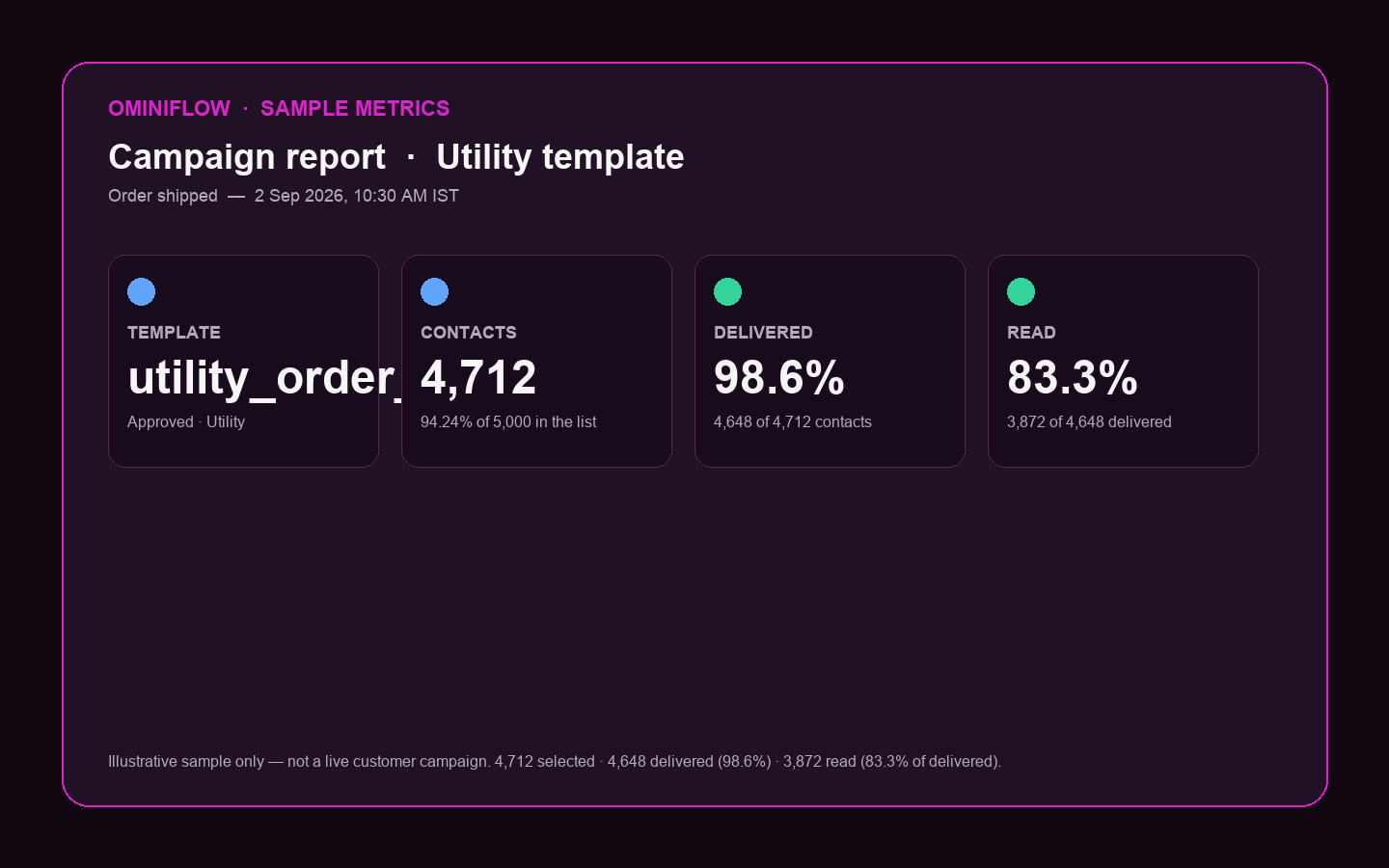
Order confirmations, shipment tracking, appointment availability, payment receipts. These are Utility templates — high open rates because the customer asked for the update.
Run: Shopify/WooCommerce webhooks → utility templates. Guides: order status utility messages · COD confirmation.
Make promotions feel personal
Upsell and cross-sell, cart abandonment, hyper-relevant campaigns. These are Marketing templates — documented opt-in required.
Run: CRM segments + approved marketing templates. Guides: boost sales with marketing messages · remarketing.
Friction-free buyer journey
Browse catalog and place orders inside WhatsApp — product messages, cart, and payment links or Flows where Meta enables payments in your market.
Run: catalog sync + pay link or Flow checkout. Guides: WhatsApp for e-commerce · increase online sales.
Optimize support costs
Automated conversational flows for high-volume inbound; smart routing to live agents when needed; CRM and marketing automation integration.
Run: AI node + shared inbox with full history. Guides: customer support · conversational AI support.
Account access and OTP
Multi-factor authentication and one-time passwords to verify accounts and users. Authentication category — often cheaper than SMS in India (₹0.115/conversation; verify Meta’s live card).
Run: copy-code authentication templates + SMS fallback. Guides: send OTP on WhatsApp · Banco Inter vs SMS.
One-of-a-kind experiences
Interactive conversational experiences — lead capture, appointments, surveys, onboarding — via buttons, lists, and WhatsApp Flows.
Run: visual bot builder + Flows. Guides: create a WhatsApp chatbot · no-code store bot.
| Meta use case | Template category | Consent / window | Ominiflow starting point |
|---|---|---|---|
| Notifications | Utility | Transactional expectation; no marketing opt-in | Store webhook → template library |
| Promotions | Marketing | Documented opt-in; pause if block rate >1% | CRM segment → campaign |
| Commerce | Utility + Marketing + Service | Service window for free-form; catalog in thread | Catalog sync + checkout Flow |
| Customer care | Service (24h window) | User-initiated or utility opens window | AI + inbox assignment |
| Verifications | Authentication | User requested the code | Auth template + API send |
| Custom flows | Service / Flows | User in active conversation | Flow builder + webhooks |
Policy context: WhatsApp Business Messaging Policy. Message categories hub: conversation categories.
What is actually in the Platform stack
Meta’s developer docs describe more than a single “send message” endpoint. The pieces buyers care about:
- Cloud API — send/receive messages, media, templates, webhooks (the core)
- Business Management API — WABA assets, phone numbers, template submission
- Marketing Messages API — optimised delivery for large marketing sends (where enabled)
- WhatsApp Flows — structured in-chat forms and checkout
- Click-to-WhatsApp ads — Facebook/Instagram CTAs into the same business thread
Integration architecture: WhatsApp API integration guide. Pricing: October 2026 pricing update · pricing hub.
How to get on the Platform
Meta’s product page offers “Get started” and “Find a partner.” In practice there are two paths:
- Business Solution Provider (BSP) — Ominiflow, WATI, AiSensy, Gupshup, etc. You get inbox, templates, bots, and support; Meta fees pass through. Fastest for marketing and ops teams.
- Direct Cloud API — your engineering team hosts webhooks, builds the inbox UI, and manages template lifecycle. Full control; 8–12 weeks typical for a production-grade stack.
Most mid-market brands choose a BSP. Ominiflow is a Meta BSP built in India with native Zoho, Shopify, HubSpot, and Salesforce connectors — provider comparison for India.
Ominiflow on the same Platform Meta describes
You are not buying a different API. Ominiflow sits on the official WhatsApp Cloud API with the application layer Meta does not ship: shared inbox, visual automations, AI agents, template library, campaign analytics, and CRM sync on one number. Meta conversation fees pass at cost. Typical go-live: 5–7 business days with complete Business Manager documents.
Run the full lifecycle on one number
Meta’s six use cases work best when they share a thread — OTP and shipping train the customer to open you; support resolves WISMO; marketing inherits trust. That is the same pattern in Meta’s published 119 success stories and the Meta × BCG orchestration research.
Ominiflow maps this to Revenue OS: Acquire → Qualify → Sell → Collect → Support → Retain.
- Acquire: Click-to-WhatsApp ads → qualifier bot — CTWA hub
- Qualify: AI + list messages capture intent and budget
- Sell: catalog, pay link, abandoned-cart recovery
- Collect: COD YES/NO before dispatch
- Support: AI deflection + human handoff with Shopify sidebar
- Retain: opted-in win-back and VIP drops on the trusted thread
WhatsApp Revenue OS · AI agents · how to get WhatsApp API · Book a demo
FAQ
What is the WhatsApp Business Platform? expand_more
Meta’s official enterprise messaging stack for WhatsApp — delivered as Cloud API — that lets businesses send and receive scaled messages for notifications, promotions, commerce, support, authentication, and custom interactive flows. It is not the free WhatsApp Business app.
What is the difference between WhatsApp Business Platform and Cloud API? expand_more
Cloud API is the primary technical interface within the WhatsApp Business Platform. “Platform” is the umbrella product name Meta uses on whatsappbusiness.com; developers integrate via Cloud API endpoints and webhooks.
Do I need a partner to use the WhatsApp Business Platform? expand_more
Not strictly — you can integrate Cloud API directly. Most businesses use a Business Solution Provider (BSP) like Ominiflow for inbox, template management, automation, and faster onboarding without building webhook infrastructure.
What are the main use cases for the WhatsApp Business Platform? expand_more
Meta highlights six: transactional notifications (orders, appointments), promotional campaigns, in-chat commerce, automated customer care with agent routing, OTP and account verification, and custom conversational flows with buttons, lists, and Flows.
How do I get started on Ominiflow? expand_more
Create an account, complete Meta Business verification, connect your phone number to Cloud API, submit Authentication/Utility/Marketing templates, and connect Shopify or CRM. Meta fees pass at cost; typical go-live is 5–7 business days with complete documents. Published 2 September 2026. Recap of Meta’s WhatsApp Business Platform product page plus operator notes for Cloud API on Ominiflow. Features and partner programs change — verify on whatsappbusiness.com and Meta developer docs.


