What are WhatsApp’s 5 holiday tips for small businesses?
WhatsApp’s holiday cheat sheet for the Business app: Meta Business Agent (Mexico and Philippines), greeting and away messages, quick replies, Status updates, and Click-to-WhatsApp ads. Keep those five tips — then see the Cloud API equivalent when one phone is no longer enough. On the WhatsApp Business app: use Meta Business Agent where it is available, set greeting and away messages, save quick replies for hours and payments, post holiday hours and offers on Status, and run ads that click to WhatsApp. Source: WhatsApp for Business resource library.
Last updated: 30 August 2026
WhatsApp for Business’s holiday note is written for small business owners on the WhatsApp Business app — one phone, one inbox, time off with family, still answering “are you open on Diwali?” This recap keeps those five tips intact, including the footnote that Meta Business Agent is currently available in Mexico and the Philippines, then maps each job to official Cloud API for teams that already outgrew a single handset.
Ominiflow sits on that second layer: shared inbox, AI + human handoff, Click-to-WhatsApp, approved templates. The Business app tips still apply if you are solo. They do not replace Cloud API the day two agents need the same chat. Split: API vs Business app. Agent product recap: Meta Business Agent.
Primary source: 5 tips to keep your business running smoothly during the holidays on WhatsApp for Business. Agent availability and app features change — verify in the Business app and Meta’s help centre. Festive Cloud API calendar: campaign timeline.
5
Business app tips: Agent, away/greeting, quick replies, Status, Click-to-WhatsApp ads
2
markets named for Meta Business Agent on that page: Mexico and the Philippines
24/7
replies the article wants — via Agent, greeting/away, or a Cloud API bot
Too long? Start here
- On the Business app: turn on greeting + away, save /hours and /payment quick replies, post holiday hours on Status, run Click-to-WhatsApp if you buy ads
- Meta Business Agent is positioned as a 24/7 holiday concierge — the same page limits current availability to Mexico and the Philippines
- Organic Status on the app is not the same as Ads in Status (paid Updates-tab placement)
- Move to Cloud API when two people need the inbox, you need Shopify order lookup, or you need approved Marketing/Utility templates at volume
- On Ominiflow: AI node + canned macros + CTWA + shared inbox · start free
The five tips (Business app)
Let Meta Business Agent be the holiday helper
Meta’s pitch: round-the-clock sales concierge so you can focus on production and family. Set the agent to answer FAQs while you are away. The asterisk on that page: currently available to users in Mexico and the Philippines. If you are not in those markets, do not wait on the Agent SKU for Diwali coverage — use greeting/away plus a Cloud API bot.
Stay responsive with greeting and away messages
Weekend getaway, no signal: greeting and away messages still reply instantly. Tell people when you will be back. Holiday-themed greeting for gift shoppers. Update away copy if a teammate is off. This is the lowest-effort 24/7 on the app.
Quick replies for repetitive questions
Saved responses with shortcuts — Meta’s examples: /hours, /payment. Hours, location, directions, payment methods. Spend the saved time on custom orders and messy chats, not retyping the same paragraph.
Status updates for hours, offers, and gift ideas
Organic Status (24-hour photos/video/text) to show holiday hours, a product, a CTA to chat or shop. This is the Business app Status you already know — not a Meta Ads purchase. Paid Status ads are a separate Updates-tab product: Ads in Status and Channels.
Ads that click to WhatsApp
Reach new people on Facebook/Instagram while you are offline. The click lands in a chat. Meta says to combine ads with greeting, quick replies, and (where live) Business Agent so the lead is not silence. Same acquire motion as Click-to-WhatsApp ads on Cloud API. Creative and opt-in: CTWA best practices.
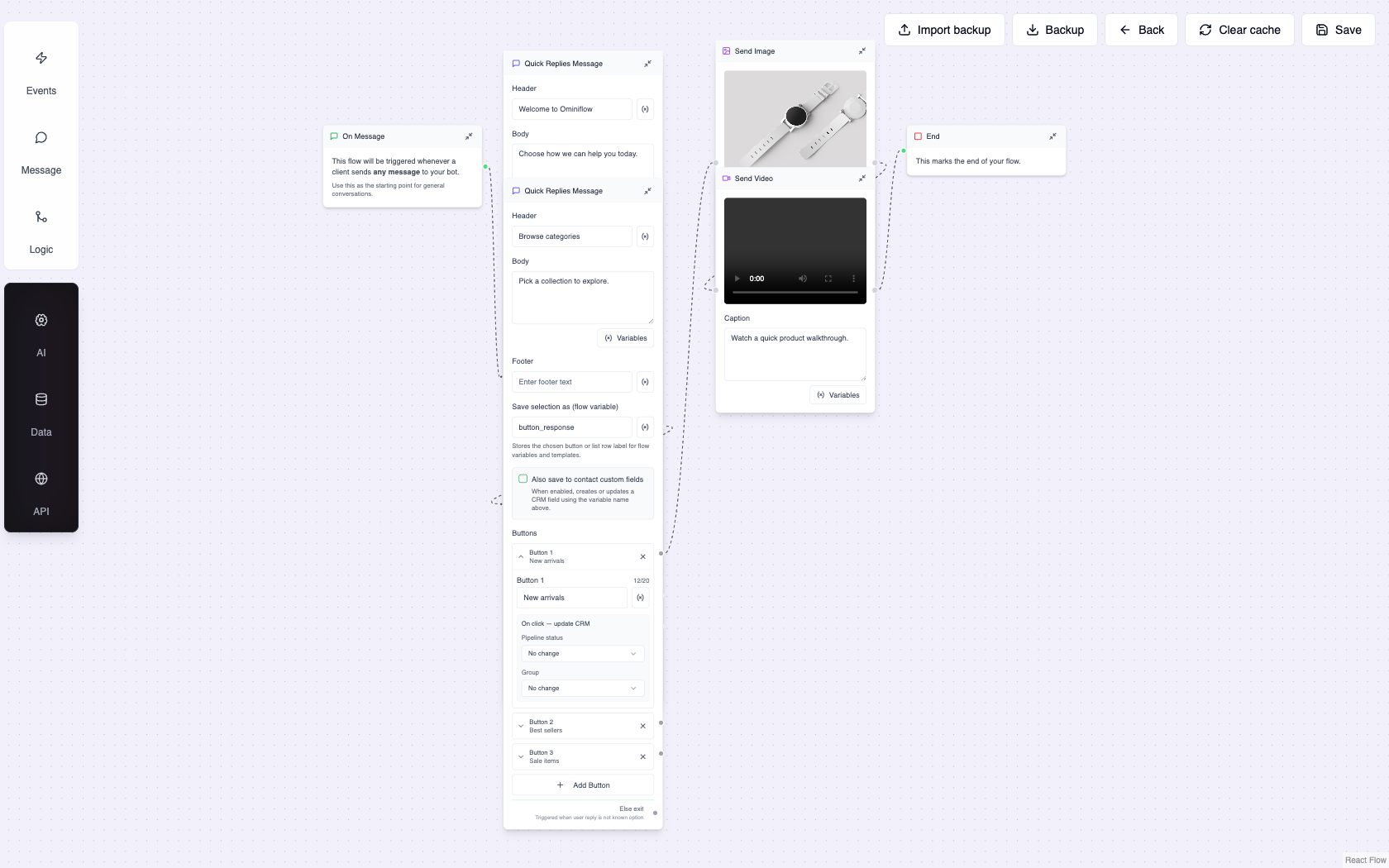
The same five jobs on Cloud API (Ominiflow)
The article ends on “download the WhatsApp Business app.” That is correct for a solo shop. The day you have two agents, COD, or a Shopify catalog, the same five jobs need an API number — or you split context across a phone and a BSP.
| Holiday tip | On the Business app | On Ominiflow Cloud API |
|---|---|---|
| 24/7 FAQ / concierge | Meta Business Agent (MX / PH on that page) | AI node + catalog + talk-to-human. Agent recap: Conversations 2026 |
| Greeting / away | App greeting and away messages | First-reply flow: hours, ETA, “agent back at 10:00 IST” |
| Quick replies | /hours /payment saved replies | Macros in the inbox + bot buttons/lists for the same FAQs |
| Status | Organic 24h Status | Optional organic Status via coexistence; paid discovery via Status ads + CTWA |
| Click-to-WhatsApp | Ads into the app inbox | Ads into the shared inbox with campaign tags and a 72-hour window |
Coexistence can keep reps on the app while Ominiflow runs templates and the queue — WhatsApp coexistence. Do not run festival ads into a personal number and Shopify into another.
When the Business app is enough — and when it is not
Stay on the app if you are one person, one location, a few chats a day, and you will actually update away messages before you leave
Move to Cloud API if two people answer the same customers, you need collision lock, or night-time CTWA cannot wait until morning
Move for festive volume if you need Utility order updates and Marketing templates — that is not an app broadcast. See order-status utility
India D2C in Diwali week almost always fails the “one phone” test: COD confirm, WISMO, and a sale template cannot share a consumer handset safely. Hub: festive sales playbook.
How this maps to Ominiflow
The five tips are inbox hygiene: someone answers, FAQs are canned, ads land in a thread you can see. Ominiflow is that hygiene at team scale — AI included, Meta fees at cost, same number for OTP, orders, and opted-in marketing. Typical go-live 5–7 business days with complete Business Manager documents.
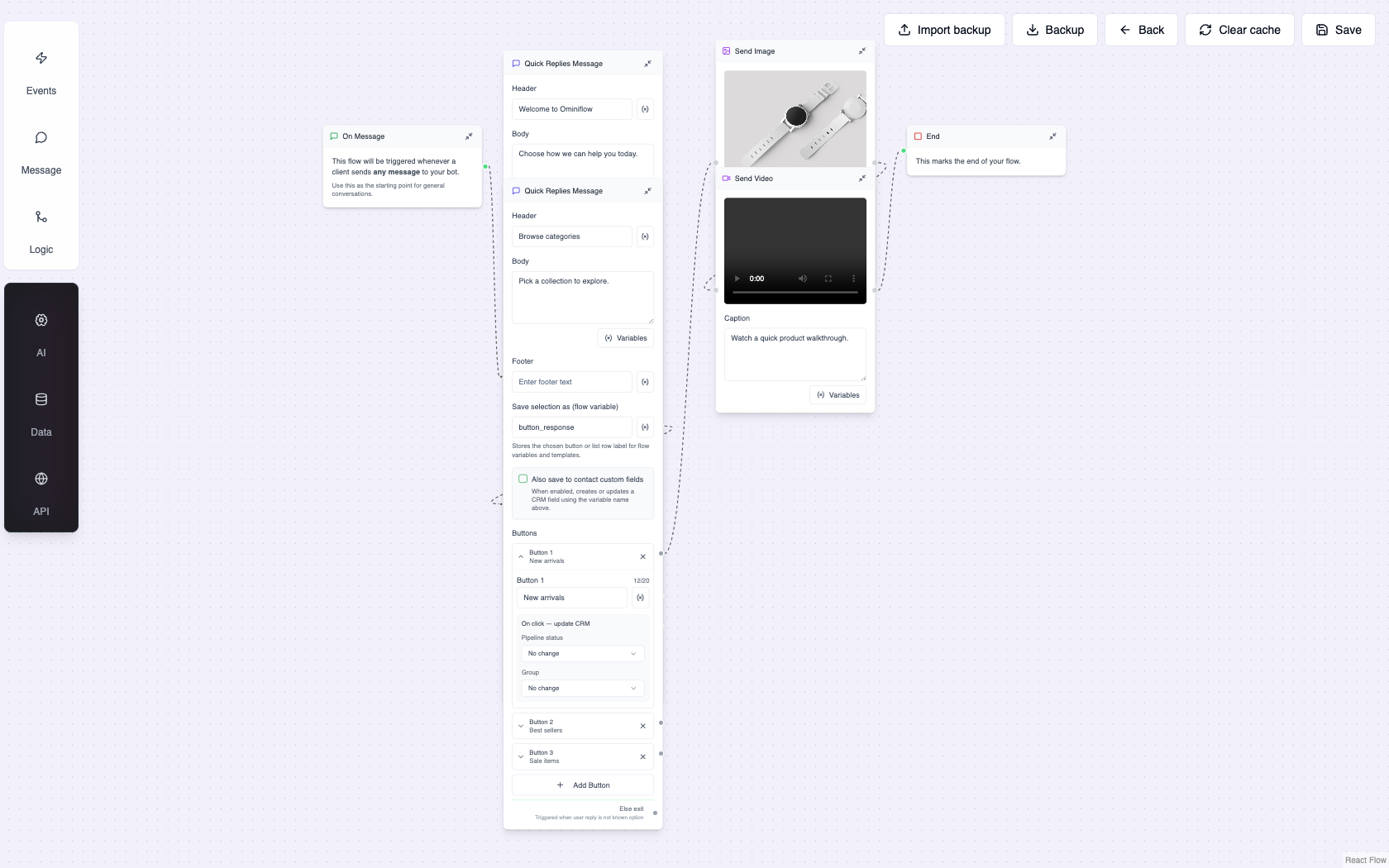
Do this before you go offline
Greeting copy that does not promise a human at 2 a.m.:
- App away: "Thanks for messaging [Brand]. We are closed 24–26 Oct for Diwali. We reply from 10:00 IST on 27 Oct. For order tracking, use the link we sent when your order shipped."
- API first-reply: Same hours, plus buttons: Track order / Talk to human / Shop sale. Track hits Shopify; human only if an agent is rostered.
- Do not mix a festival promo into the away message — that is a Marketing template with opt-in, not an auto-reply
If you stay on the app: greeting, away, three quick replies, Status with hours, CTWA only if a bot or Agent will catch the click. If you are on Ominiflow: publish the after-hours flow, assign an on-call agent, pause Marketing if quality is yellow, keep Utility shipping on.
7 festive strategies · Click-to-WhatsApp ads · Support · Book a demo
FAQ
What are WhatsApp's 5 holiday tips for small businesses? expand_more
On the WhatsApp Business app: use Meta Business Agent where it is available, set greeting and away messages, save quick replies for hours and payments, post holiday hours and offers on Status, and run ads that click to WhatsApp. Source: WhatsApp for Business resource library.
Is Meta Business Agent available everywhere for the holidays? expand_more
The holiday tips page states Meta Business Agent is currently available to users in Mexico and the Philippines. Availability changes — confirm in the Business app. Elsewhere, use greeting/away messages or a Cloud API AI agent with human handoff.
Are WhatsApp Status updates the same as Ads in Status? expand_more
No. The holiday tip is organic Status from the Business app (hours, products, a CTA). Ads in Status are paid Meta ads in the Updates tab. Different products; both can send people into a chat.
Should I stay on the WhatsApp Business app for Diwali or Black Friday? expand_more
Yes if you are a solo operator and will actually set away messages. Move to Cloud API when two agents share chats, you need Shopify order lookup, or you send approved Utility and Marketing templates at volume.
How do I run these holiday tips on Ominiflow? expand_more
Connect Cloud API, publish a 24/7 FAQ plus talk-to-human flow (greeting/away equivalent), save inbox macros (quick replies), route Click-to-WhatsApp into the shared inbox, and keep Utility shipping templates on while you are offline. Typical go-live is 5-7 business days with complete Business Manager documents.


