How do I send WhatsApp picture messages?
How to send WhatsApp picture messages, write the best group description in WhatsApp, and copy a short sample WhatsApp status. Open the chat, tap the paperclip or plus button, choose Gallery or Camera, add a short caption, and send. Send the file as a Document if you need the original size.
Last updated: 12 November 2026
WhatsApp picture messages are photos or images sent inside a chat, a group, or a Status. This page also covers the best group description in WhatsApp and a paper sample WhatsApp status you can copy. A shop that blasts catalogues as pictures from a personal phone is a different problem — that needs an approved template, not a camera roll.
How to send WhatsApp picture messages
- Open the chat or group.
- Tap the paperclip (Android) or + (iPhone).
- Choose Gallery or Camera. Pick one photo, or several if your app version allows a batch.
- Optional: add a caption. Keep it one line. The picture is the message; the caption is the ask.
- Tap Send. A picture message uses data. On a slow network, WhatsApp compresses it. Send the file as a Document if the buyer needs the original size (a size chart, a GST invoice scan).
| Send as | Use it for | Avoid |
|---|---|---|
| Photo / picture message | Product shot, storefront, a single proof | A 12-image catalogue to people who did not ask |
| Document | Invoice PDF, full-resolution chart | Renaming a promo poster as “invoice.pdf” |
| Status | One update your contacts see for 24 hours | Treating Status as a customer list |
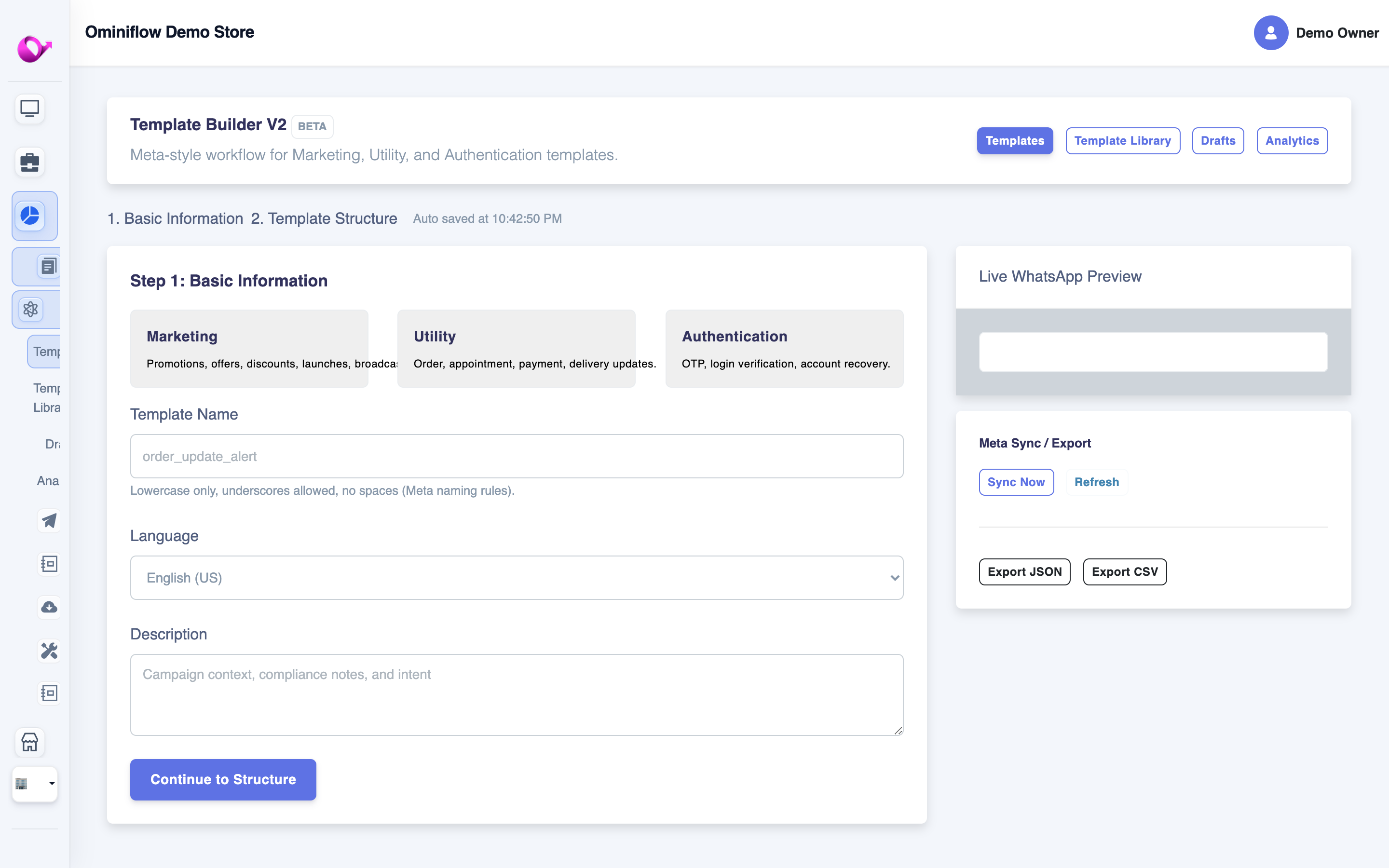
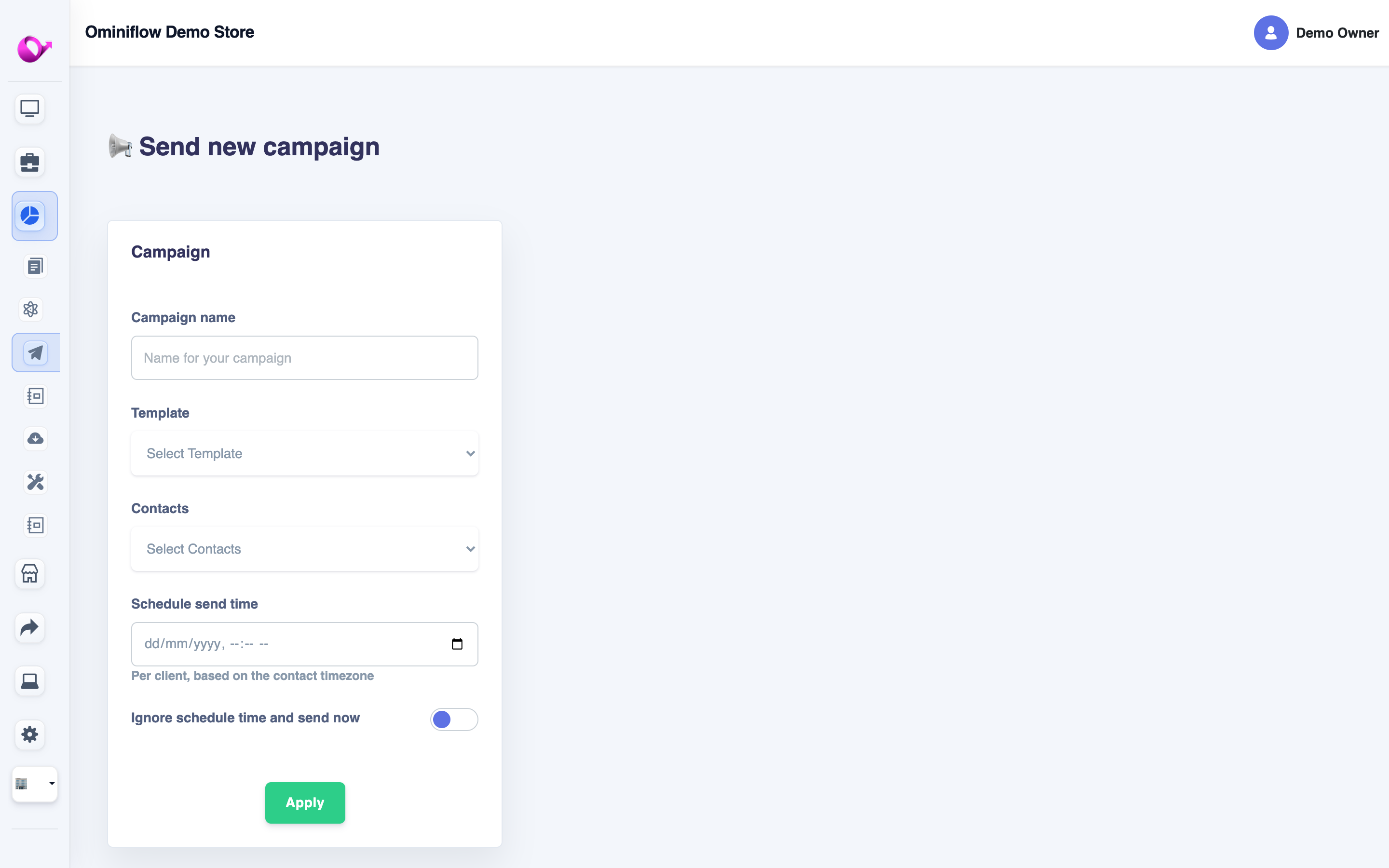
On a computer: WhatsApp Desktop can attach a picture from the laptop. A team inbox on Cloud API can send an image inside an open customer chat. A marketing blast that starts with a picture still needs a Meta-approved template. Copy rules: promotional WhatsApp messages.
Best group description in WhatsApp
The best group description in WhatsApp says who the group is for, what belongs here, and what does not — in two lines. Open the group name → Add group description. Everyone can read it. Only admins can edit it if you lock that.
Orders and dispatch for {{brand}} retailers. Share SKU photos here. Complaints go to our business number, not this group. No forwards.
{{Class / batch}} — notes and dates only. Homework photos are fine. Personal chat stays in 1:1. Admins: {{name}}.
{{Clinic}} appointment group for {{month}}. We post slot changes here. Do not share another patient’s report.
A description that is only “Welcome to the best group!!!” does not tell a new member the rule. Pair it with a short intro when someone joins: introduction message in a WhatsApp group. Invite link: how to create a WhatsApp link.
Customer “groups” that exist so you can spam offers are the wrong tool. Members see each other’s numbers. A WhatsApp broadcast or a Cloud API campaign does not.
Paper sample WhatsApp status
A paper sample WhatsApp status is copy you can type, not a printed poster. Status lasts 24 hours and only reaches people who have your number saved (and whom you have not blocked). Text status, or a photo with one of these lines:
- Shop hours: Open today 11 am–8 pm. Reply on this chat for {{product}} — we answer here, not in comments.
- Back in stock: {{SKU}} is back in {{size}}. Message “{{code}}” and we will confirm your city before we ship.
- Closed: We are shut {{date}}. Orders placed today ship {{next date}}. Please do not call the store line.
- Personal: In a meeting till 4 pm IST. I will reply on WhatsApp after that.
That is a sample, not a slogan pack. One status, one fact, one way to reply. Posting the same sale every hour gets muted. From a laptop: Updates → add status, in WhatsApp Desktop. Paid reach in the Updates tab is a different product: Ads in Status.
WhatsApp report sample
A WhatsApp report sample is a short note you send a manager, not a form you file with a helpline. Copy and fill the blanks:
{{date}} report — orders {{n}}, delivered {{n}}, pending {{n}}, complaints {{n}}. One issue: {{one line}}. Need a decision on {{ask}} by {{time}} IST.
To report a spam chat, open that chat → contact name → Report. There is no paper report and no customer-care number that accepts it.
WhatsApp channel update
A WhatsApp channel update is a one-way post followers see under Updates. It is not a group message and not a 1:1 template. Followers join by following the channel. Use it for one fact: hours, a restock, or a link. Paid ads in that tab are separate: Ads in Status and Channels.
{{brand}} update: {{product}} is back today. Reply on our business chat to reserve a size. This channel is announcements only.
What a business should not do with pictures
- Do not send WhatsApp picture messages to a bought list from a personal SIM. Reports turn into bans. If you have been banned.
- Do not put prices only in an image. Templates and captions should state the offer in text so the message is readable without the photo.
- Do not use a group description as a legal terms dump. Link the policy. Keep the description to the rule of the room.
FAQ
How do I send WhatsApp picture messages? expand_more
Open the chat, tap the paperclip or +, pick Gallery or Camera, add a short caption, and send. Use Document if the file must stay full size.
What is the best group description in WhatsApp? expand_more
Two lines: who the group is for, what to post, and what to take elsewhere. Name an admin. Skip “welcome to the best group.”
What is a paper sample WhatsApp status? expand_more
A short status line you can copy: one fact (hours, restock, or a closed day) and one way to reply. Status expires in 24 hours.
What is a WhatsApp report sample? expand_more
A short daily note: date, orders, delivered, pending, one issue, and one ask. Report a spam chat from inside that chat. There is no helpline form.
What is a WhatsApp channel update? expand_more
A one-way post to people who follow your channel, shown under Updates. It is not a group chat and not a private template.